Section 2: Your first automations
Comment-to-DM, every setting explained
A comment-to-DM automation watches your comments for a keyword, replies publicly under the comment and sends the commenter a DM. This lesson goes through the builder one setting at a time, in the order you meet them, then covers the Instagram rules that decide what can be sent.
Screenshots show the real HyperDM app with a demo workspace. Names and numbers are examples.
How comment-to-DM works
Someone comments GUIDE on your post. HyperDM posts a public reply under their comment and sends them a DM with your link. That DM is what Instagram calls a private reply: one per comment, within 7 days of the comment.
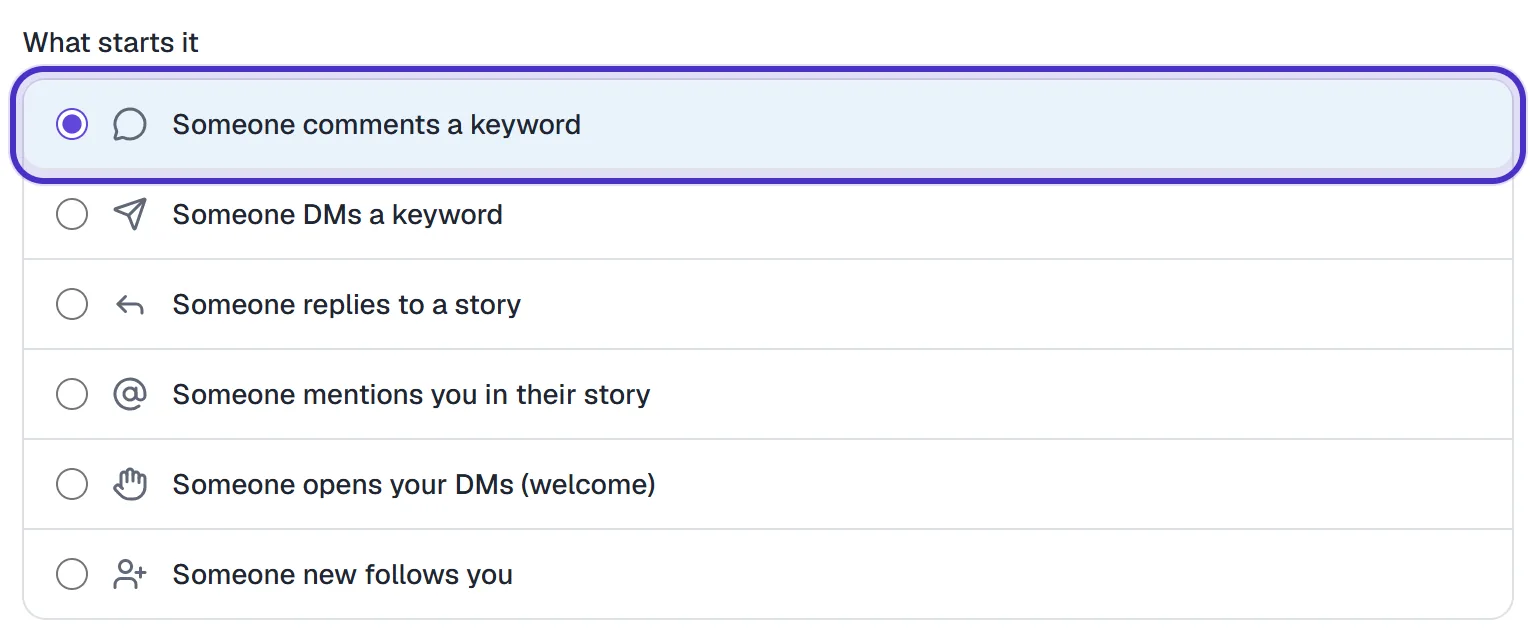
Open the builder from Automations. Click the Comment → DM starter card, or New automation and choose Someone comments a keyword under What starts it. It has three numbered sections, Trigger, Conversation and Follow-up, and a preview beside them that sends nothing.
Keywords and match modes
- Enter up to 5 keywords, comma-separated, e.g.
GUIDE, LINK. Case and accents are ignored, socafematches "café". The Price, Link and Shop chips fill the box with one tap. - Choose the match mode:
- contains the keyword: the keyword anywhere in the comment. "can I get the guide pls" matches
GUIDE. - is exactly the keyword: the comment is the keyword and nothing else, apart from punctuation around it. "guide?" matches; "guide please" doesn't.
- contains the keyword: the keyword anywhere in the comment. "can I get the guide pls" matches
- Optionally click + Exclude words and add up to 5 but doesn't contain words, e.g.
refund. A comment containing one is skipped even when the keyword matched.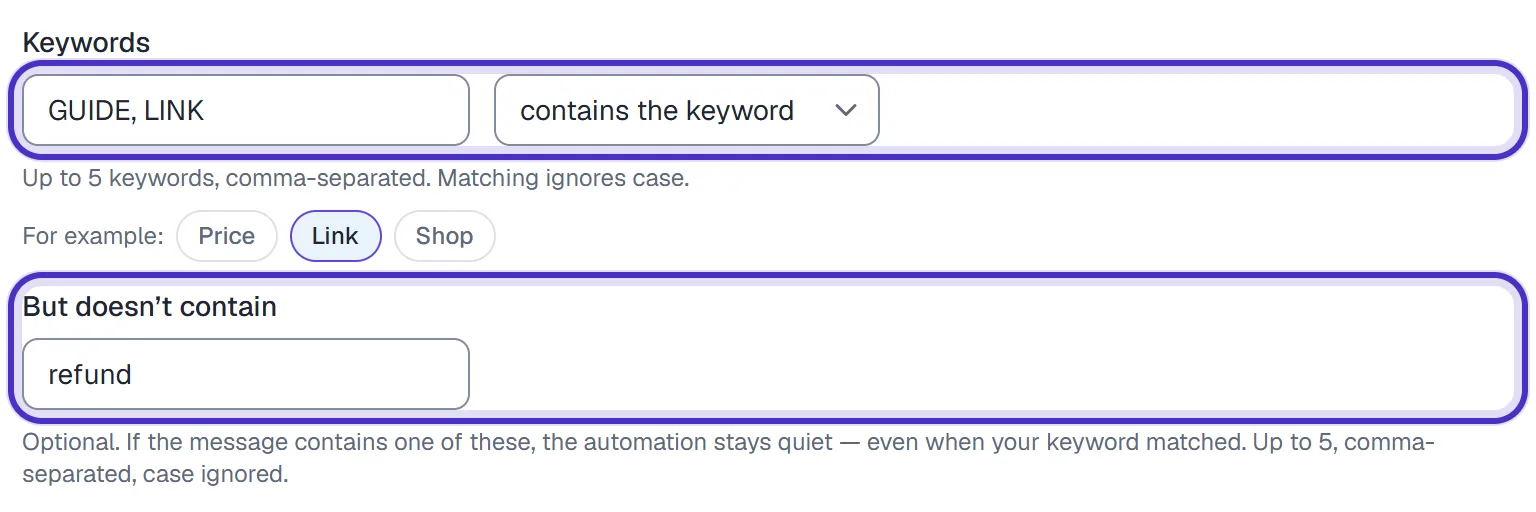
GUIDE and LINK as keywords, contains the keyword, and refund excluded
With contains the keyword, a keyword also matches inside longer words, so ART fires on "start" and "party". Choose a word that isn't part of everyday words, or switch to is exactly the keyword. A comment automation needs at least one keyword to publish, and a word can't be both a keyword and an exclusion.
Listen on: which posts
| Option | What it does | Use it for |
|---|---|---|
| Specific posts or reels (the default) | Only the posts you pick from the thumbnails, or from Show all | A keyword tied to one piece of content |
| All posts & reels | Every comment on anything you post, including later posts | A standing keyword like PRICE |
| Your next post or reel | Arms now and binds to the first post that gets a matching comment | A launch you set up before posting |
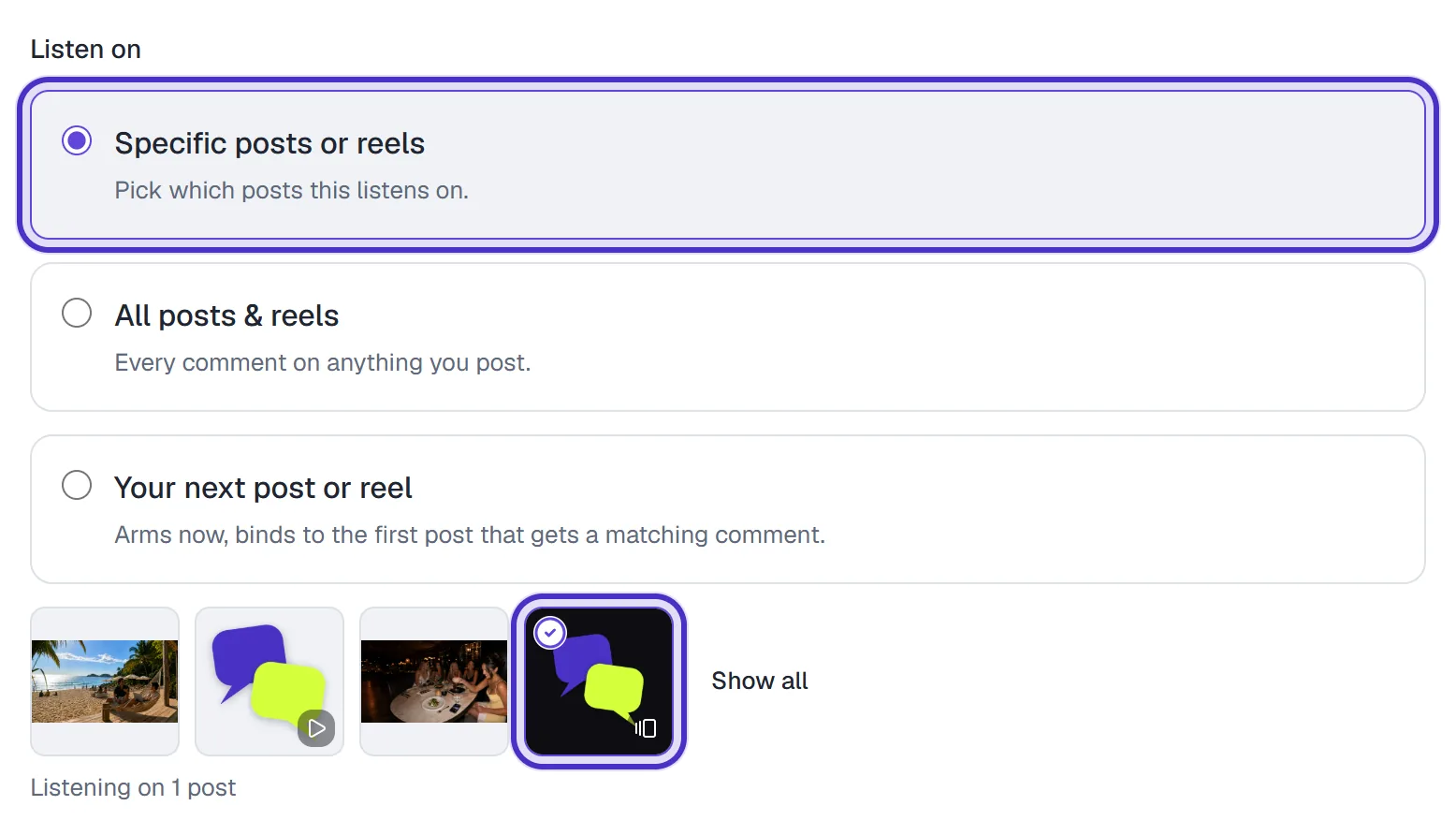
With Your next post or reel, test on the new post once it's up. The first matching comment ties the automation to whichever post it lands on, so a test on an old post binds it there. Advanced channel rules, below Listen on, is where comments on your ads come in (lesson 2.8).
The reply, the DM and the link
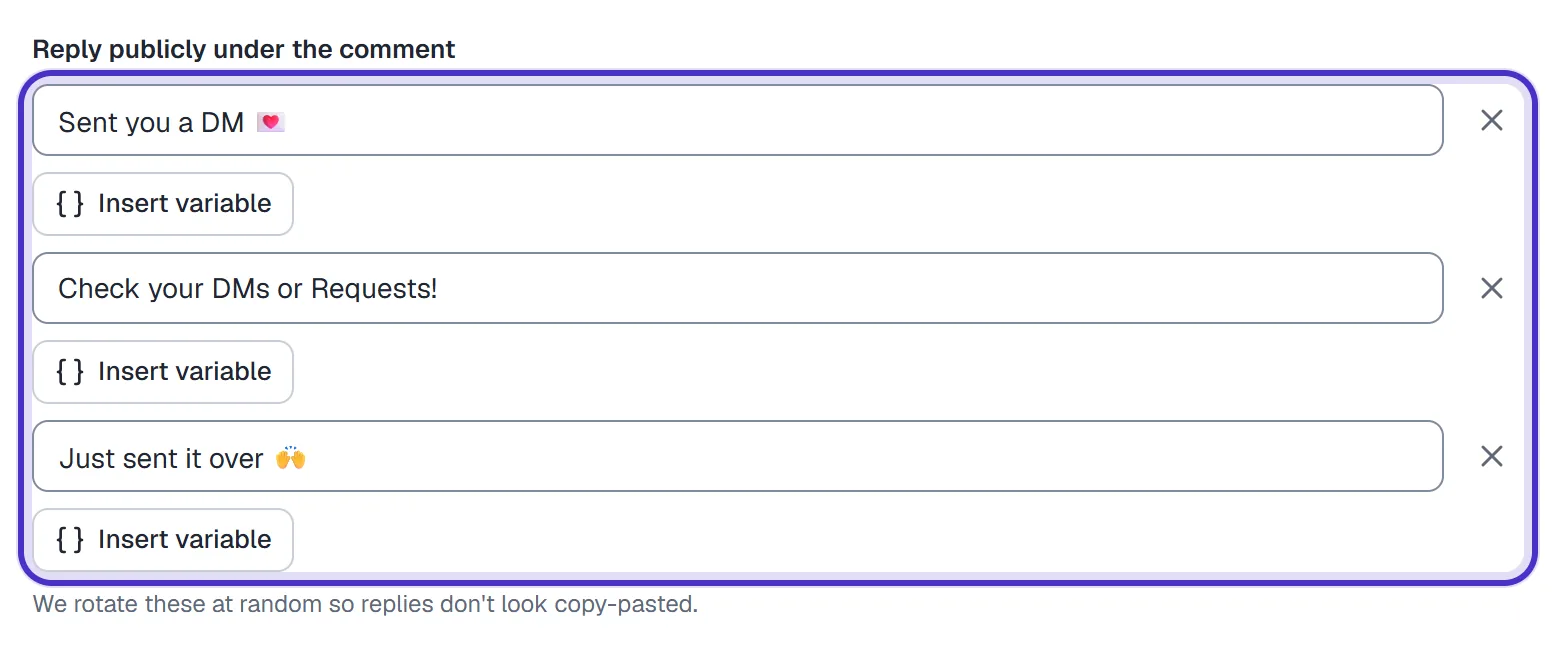
Reply publicly under the comment
Write what appears under their comment, e.g. Sent you a DM. + Add a variation gives you up to 3, and HyperDM picks one at random for each comment so the thread doesn't look copy-pasted. One is enough to publish; two identical ones block it.
Send this DM
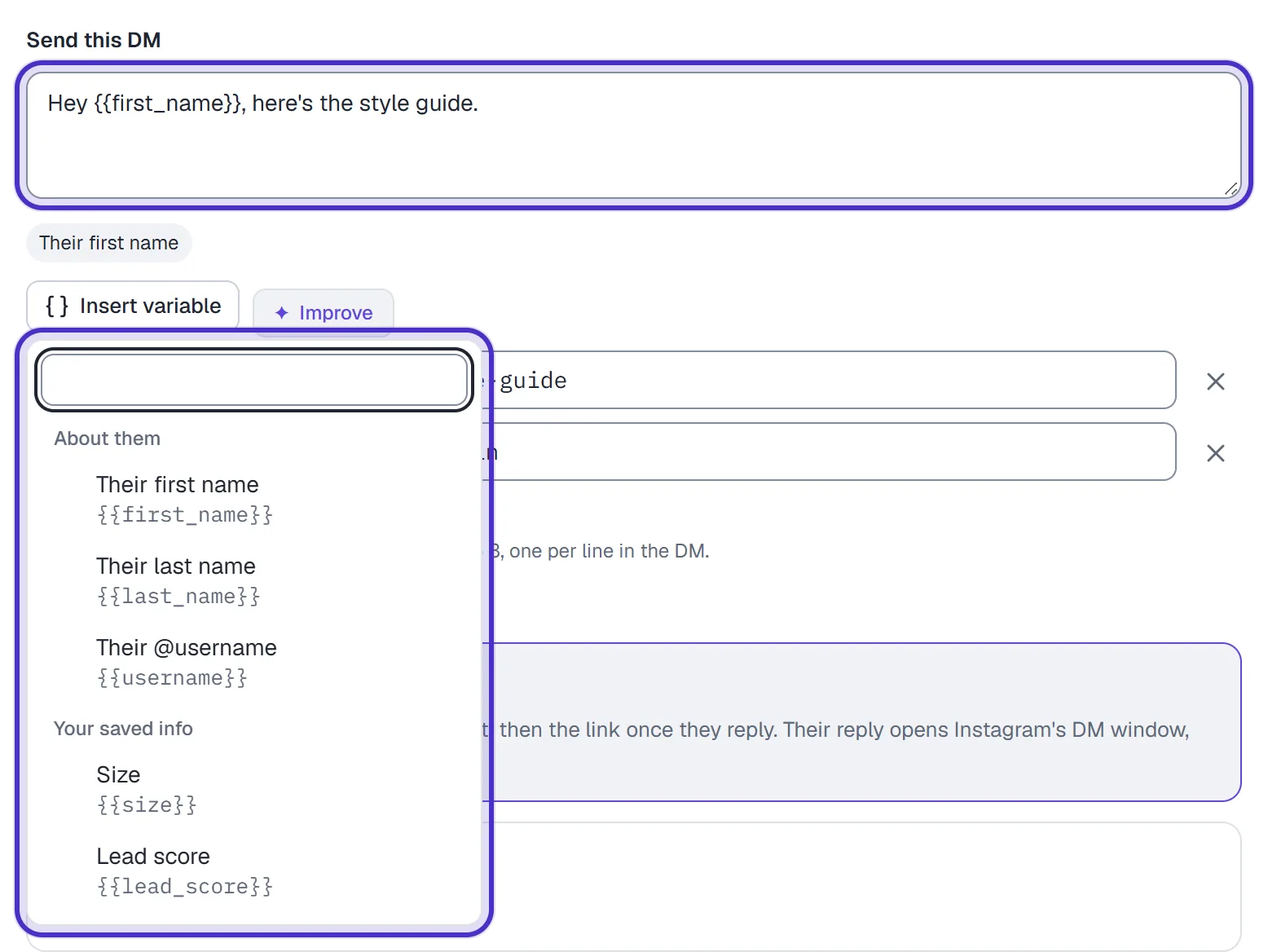
Write the DM, up to 1,000 characters (Instagram's limit). Insert variable adds Their first name, Their last name, Their @username or one of your custom fields, listed under Your saved info: Hey {{first_name}}, here's the style guide. A tag your workspace doesn't have, like a misspelt {{frist_name}}, would send as a blank, so publishing stops at it.
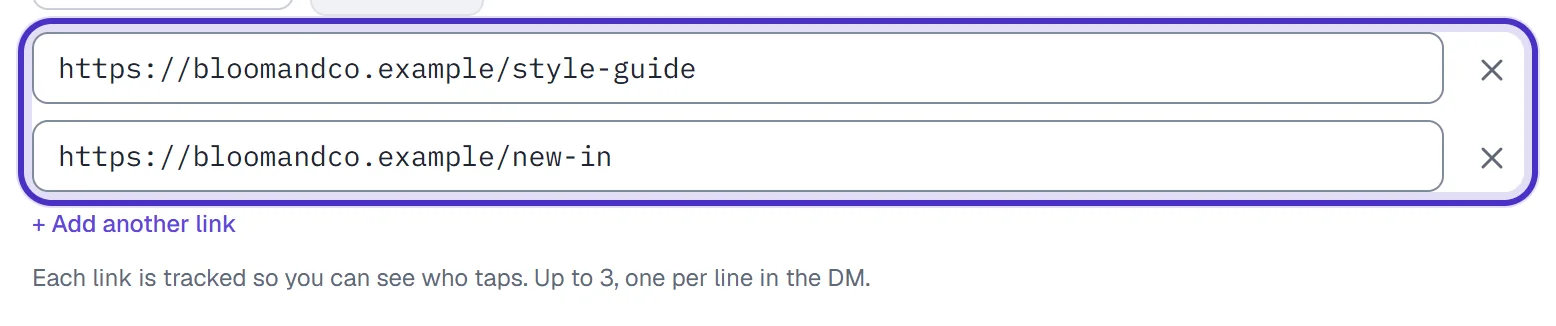
Add up to 3 links, one per line. They're tracked by default, so you can see who taps (lesson 3.4). A link typed into the message itself, or one with a variable in it, goes out as written and isn't counted.
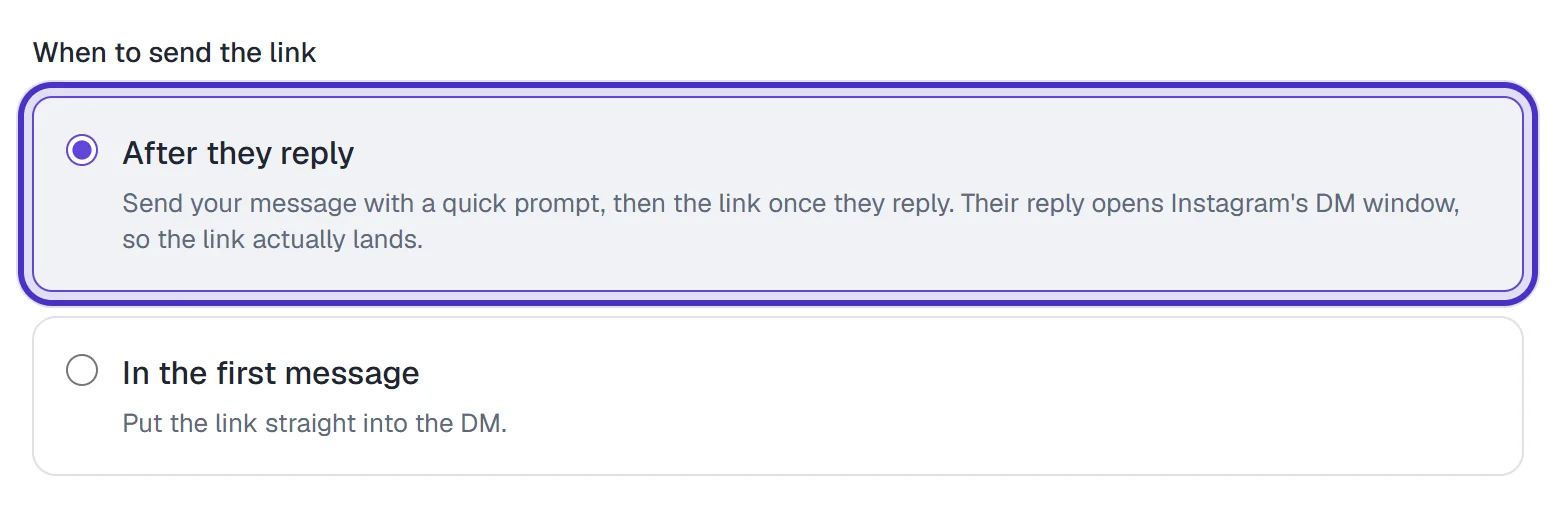
When to send the link
| Option | What happens |
|---|---|
| After they reply (the default) | Your DM goes out with a quick prompt, and the link follows once they reply or tap |
| In the first message | The link goes straight into the DM |
Keep After they reply. Instagram won't reliably deliver a link to someone who has never messaged you, and their reply opens the window the link needs.
Follow-up
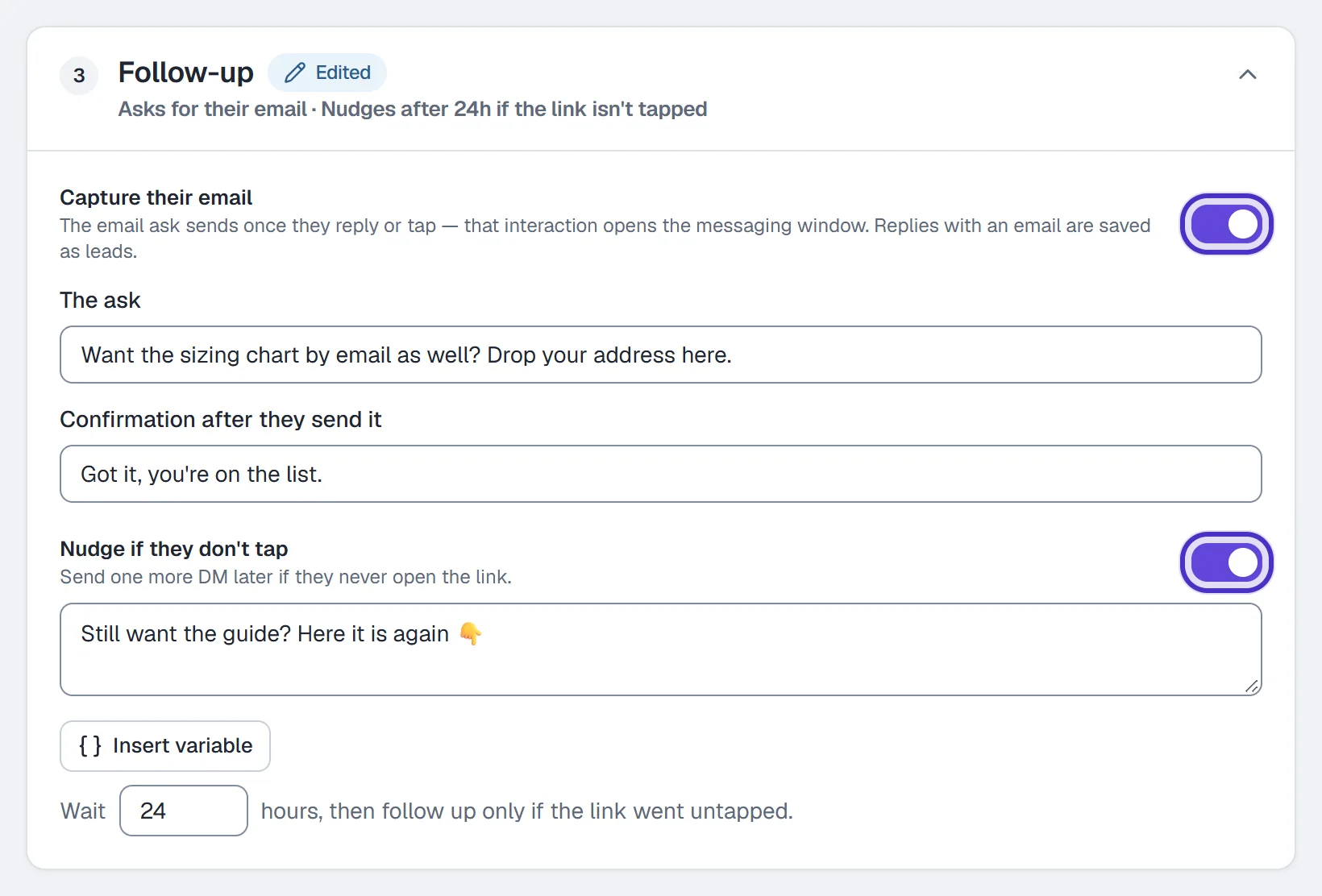
Capture their email asks for an email and saves it on the contact (lesson 3.2). Nudge if they don't tap sends one more DM after a wait you set, up to 168 hours, to anyone who never opened the link. Then name the automation and click Publish, or Save draft to keep it without running.

Common configurations
| Goal | Keyword | Listen on | Also set |
|---|---|---|---|
| Free guide | GUIDE | Specific posts or reels | Capture their email |
| Product link on one reel | LINK | Specific posts or reels | Nudge if they don't tap |
| Prices on every post | PRICE | All posts & reels | Exclude shipping |
| A launch post you haven't published | EARLY | Your next post or reel | Nothing else |
| A link only for followers | VIP | Built as a flow, not in this form | A Follow gate step (lesson 3.1) |
The form's Only for followers note is marked coming soon, because Instagram doesn't tell apps whether a new commenter follows you. The flow builder's Follow gate step is how you gate a link on following today.
Priority and Instagram's limits
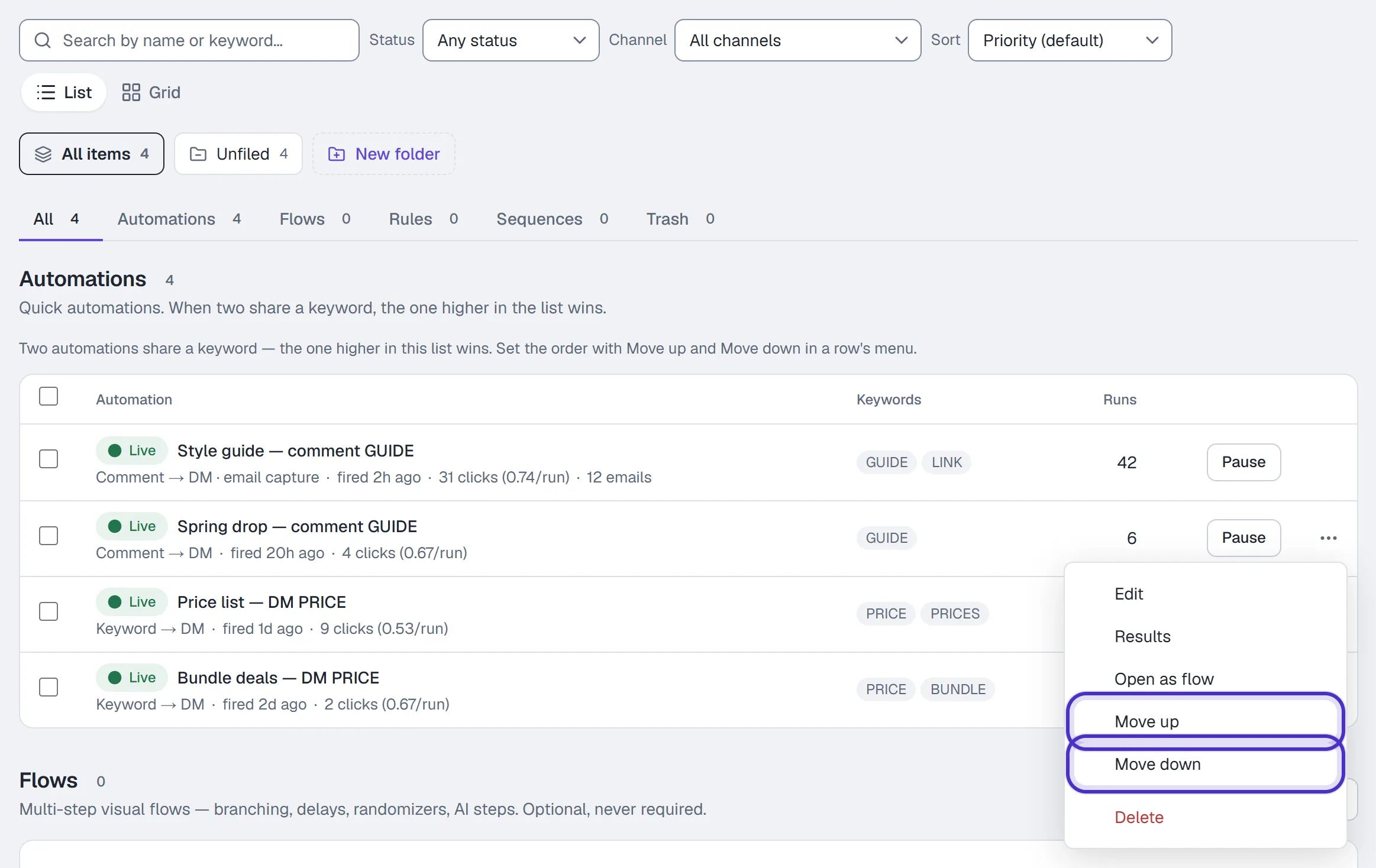
When two live automations could answer the same comment, the higher one in the Automations list wins. Set the order with Move up and Move down in each row's ⋯ menu, in the Priority sort with nothing filtered. Order only matters when keywords overlap. A live automation also wins over a flow listening for the same keyword.
Instagram sets the rest:
- A comment from your own connected account is never answered. Test from a second account.
- Only comments made after the automation went live are processed.
- The private reply has to go within 7 days of the comment.
- On a collab post, comment events go to the original author's account, so a collaborator's automation never sees them.
- A DM to someone who has never messaged you can land in their Requests folder. Say so in the public reply, e.g. "check your DMs or Requests".
FAQ
Can one automation listen for more than one keyword?
Yes, up to five, comma-separated, and any of them triggers it. If different keywords need different DMs, build one automation per keyword.
Does comment-to-DM work on Reels?
Yes. Listen on covers posts and reels alike, and the picker shows both.
What if the keyword is inside a longer comment?
With contains the keyword, it still matches. With is exactly the keyword, the comment has to be the keyword alone, apart from punctuation around it.
How many public reply variations can I add?
Up to three, and HyperDM picks one at random for each comment. One reply is enough to publish.
Why did someone get my DM in their Requests folder?
Instagram can put a DM from an account they have never messaged into Requests. Mention it in your public reply, and keep After they reply so the link follows their answer.