CommentGUIDE
Example
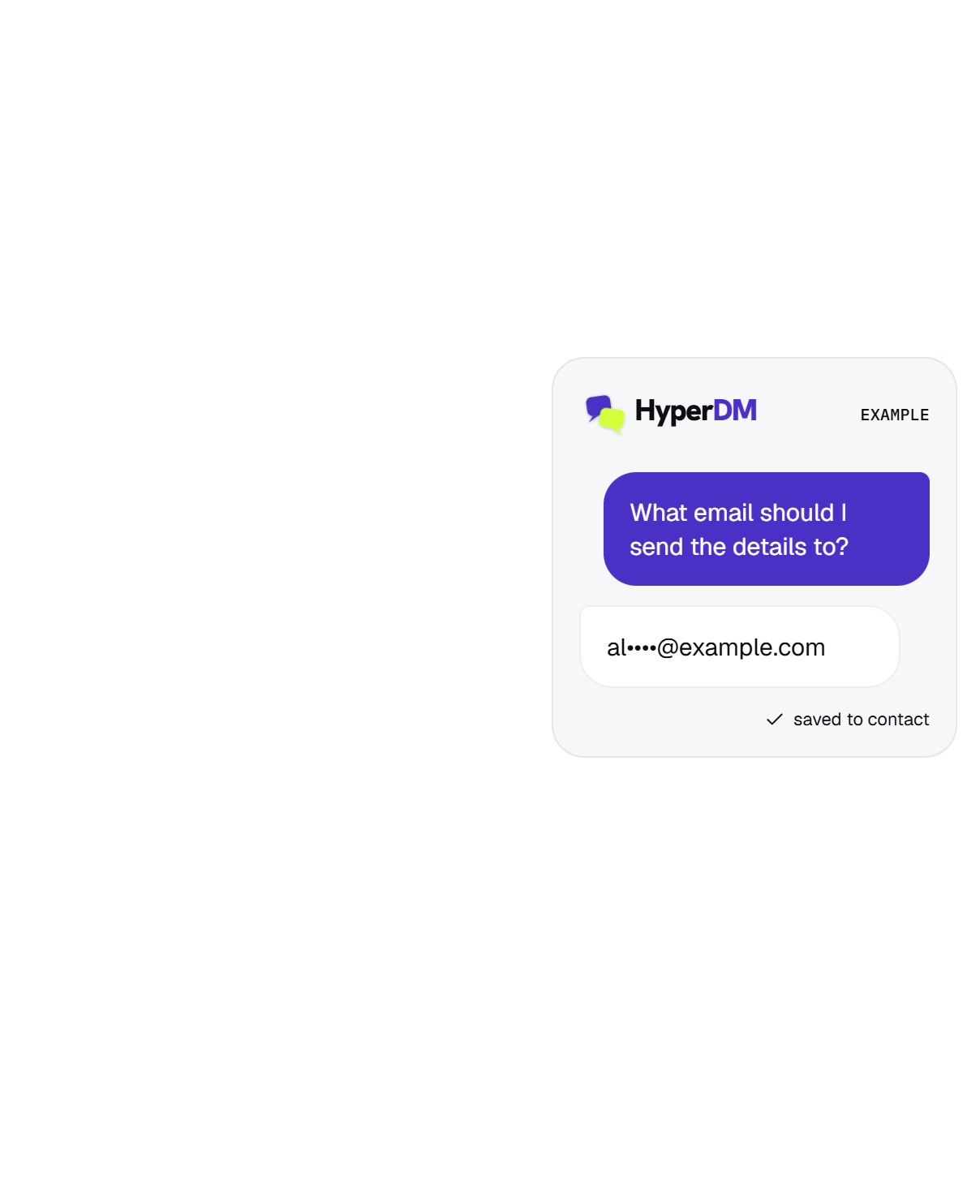
Happy to send it. What’s the best email for you?
Asked in the DMEvery follower you have sits behind a platform that can change its mind on a Tuesday.
HyperDM asks for the email inside the conversation, checks it, and saves it to your list.
Meta Tech Provider · verified app
Runs on Instagram, end to end


You can have a hundred thousand followers and still no way to reach a single one of them tomorrow, if the app decides you shouldn’t.
The reach changes. The rules change. The app changes. None of that is up to you.
An email address is the one part nobody can switch off.
The best moment to ask for it is while somebody is already talking to you.
That is what this does. Ask in the DM, check it's real, save it, export it when you want.
ASK IN THE CONVERSATION
Ask while they're already talking.
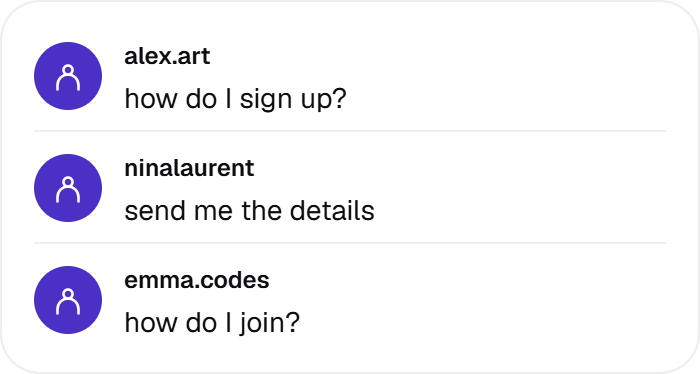
They ask for the guide, the list, or the discount.
In the DM, in return for the thing they wanted.
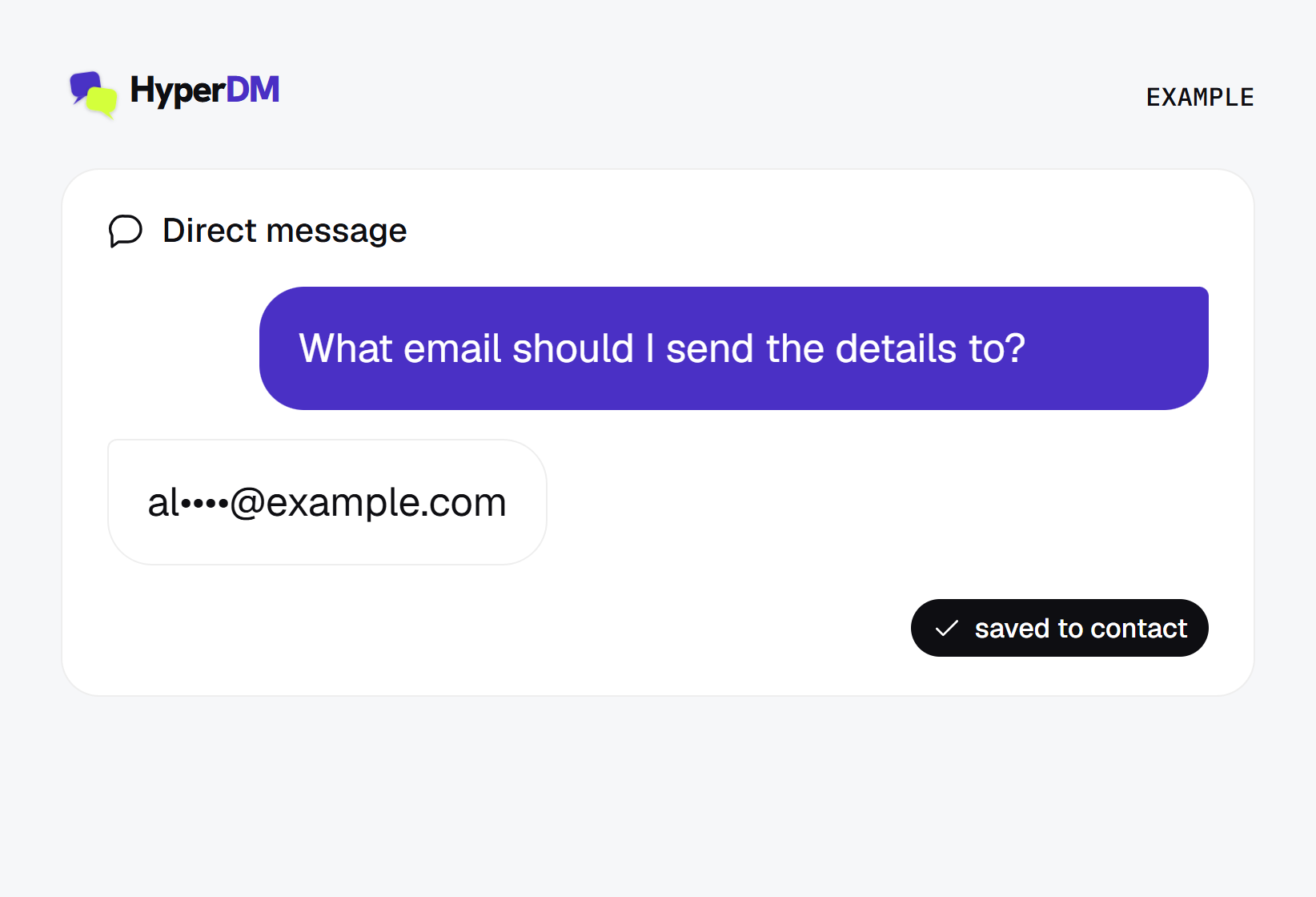
Validated, stored on the contact, ready to export.
WHAT CHANGES
A list you keep, whatever the platform does.
Whether or not the algorithm shows them anything.
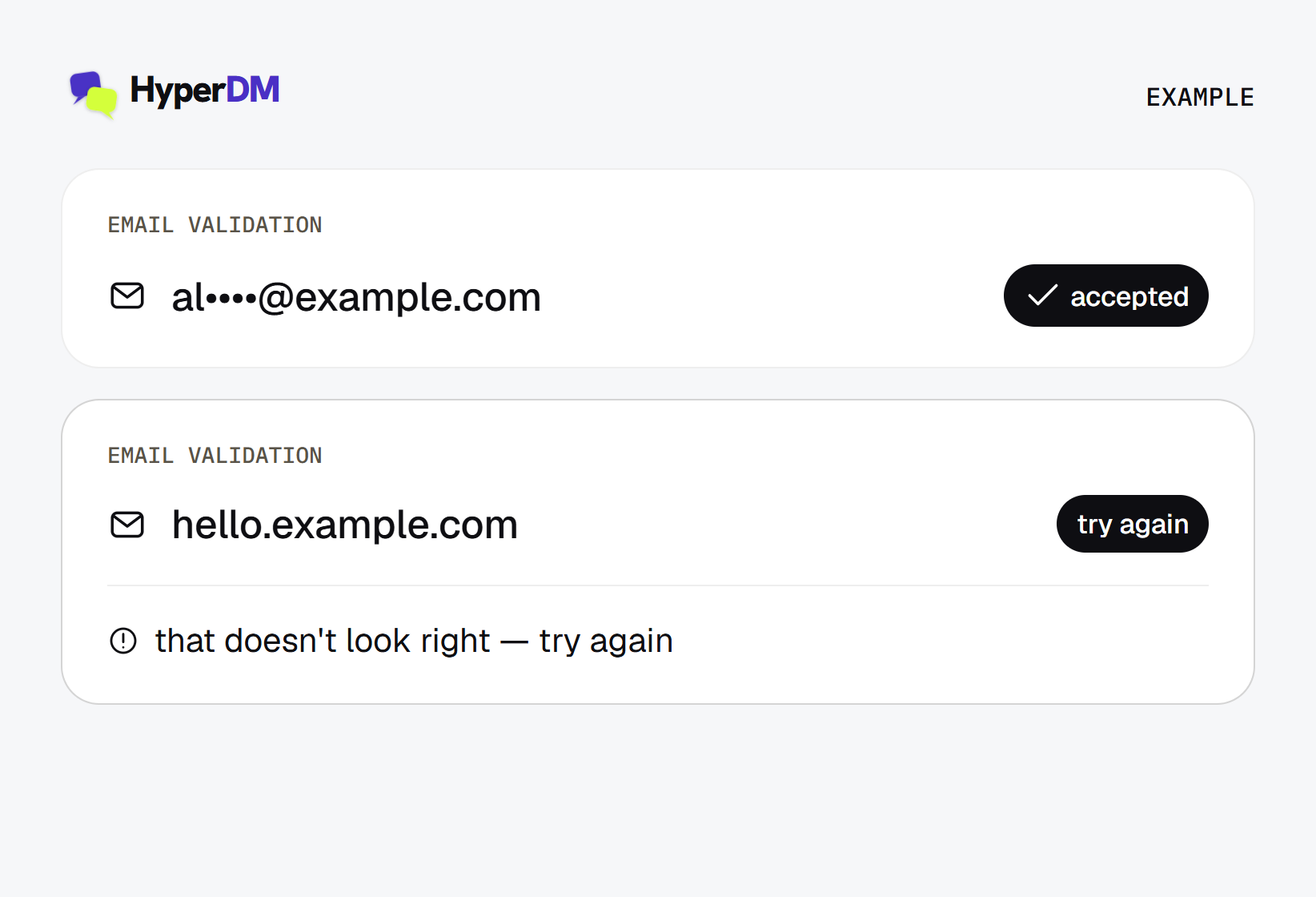
Checked before they're saved, and re-asked if wrong.
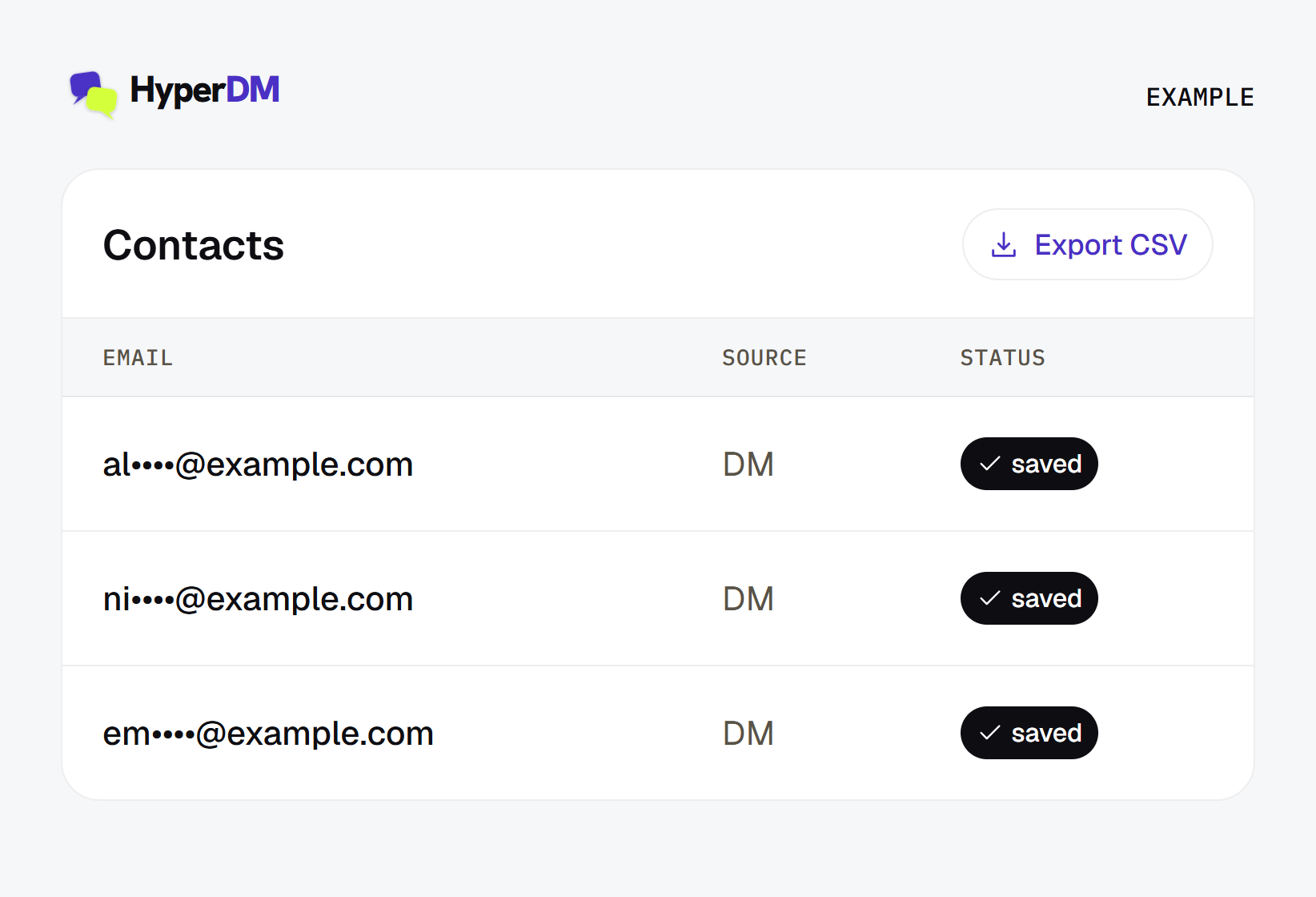
Export the whole list to CSV whenever you like.
Ask in the DM where people are already talking to you, and keep what they give you.
Not today, and we would rather say so than imply it. HyperDM collects the address, validates it, saves it to the contact, lets you segment on it, and exports the whole list to CSV. A direct connector to an email platform is not shipped. When one is, it will be on this page.
They type it into the DM. HyperDM asks for it as part of the conversation, usually in exchange for the thing they commented for, checks the format, and asks again if it doesn't look right. Nothing is scraped and nothing is guessed from their profile.
Yes, when the person gives it to you knowingly. The address is collected in a conversation they started, in return for something you named. Tell them what you'll send, keep the record, and honour an unsubscribe. Whatever email or privacy rules apply where you and they are, still apply — a DM doesn't exempt you from them.
Segment on it, follow up in the DM, and export it. If you want a longer sequence you can build it on the canvas, saving the answers to named fields and reading them back in a Responses view.