
Turn Instagram comments into conversations.
Send your guide or offer when someone comments a keyword. Add AI answers from reviewed business information, and take over from your Inbox when needed.
Keyword replies. Guide delivery. Offer links.
50 conversations a month free. No card required. Instagram professional account required.
Worked examples with demo data: creator guide · store question

Fix the paths that must not vary. Add AI where questions do.
Same job, two ways to run it: map every question in advance and maintain each branch, or keep fixed replies where they matter and add optional AI answers from your reviewed business information — with sources you can check in the Inbox.
ILLUSTRATIVE EXAMPLE · SAMPLE DATA
How revenue reporting works
See recorded clicks on tracked HyperDM links. On Growth and above, see revenue from recorded paid orders in your dashboard — the last 14 days, by currency, including paid orders that weren’t matched to a HyperDM link. Matching a link or a recent tap to an order is context, not proof that a DM caused the sale. Links you send untracked aren’t counted, and a public catalog import records no orders.
Close sales in every inbox
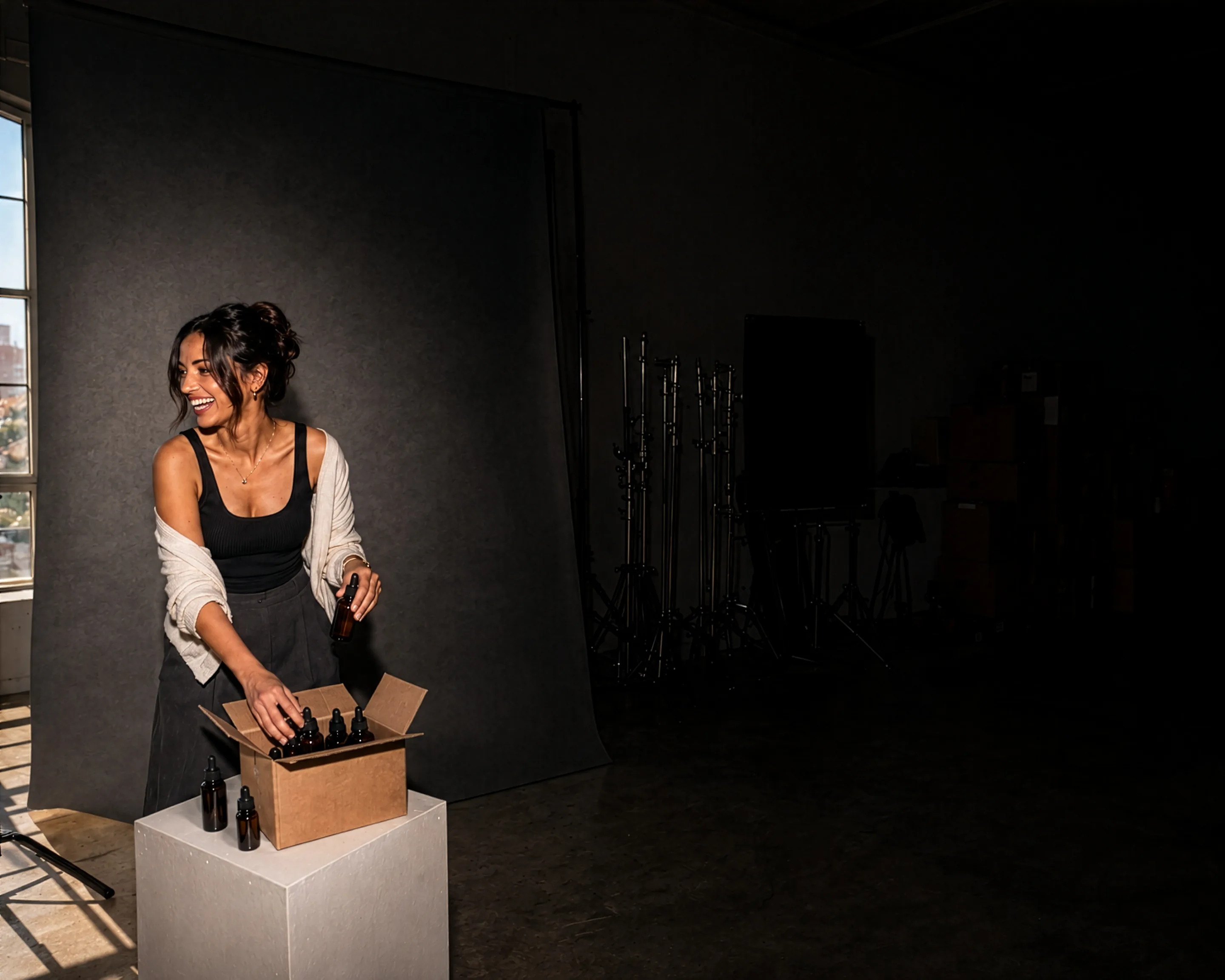

Comments, DMs and story replies — answered automatically.
Comment-to-DM, keyword replies and story replies, run by an agent grounded in your catalog. Live today on the official Instagram API.
Learn more →A sample Instagram DM answered from a demo catalog, with a quick reply that delivers the link — the dm_keyword trigger and the grounded agent, on the official Instagram API. Instagram: Live.

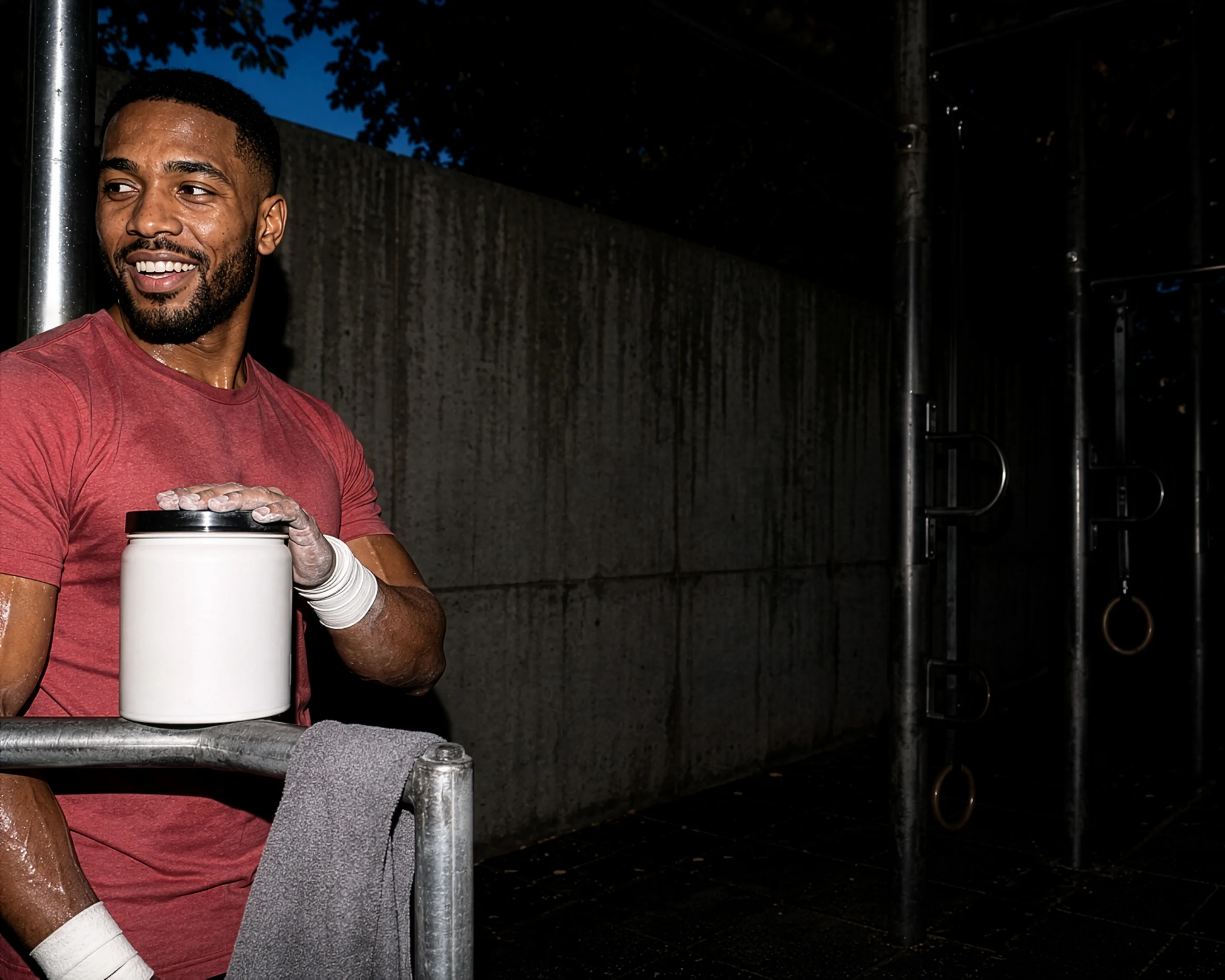
Catch viral viewers before they scroll away.
Inbound DMs and keyword replies answered from your catalog, on TikTok's official messaging API.
Learn more →A sample inbound TikTok DM about a video, answered from a demo catalog — the link arriving as the labelled URL line TikTok's send API carries, since it has no preview card. An inbound DM is the only trigger depicted. TikTok: Preview — not generally available. This sample shows the intended experience; no launch date is promised.
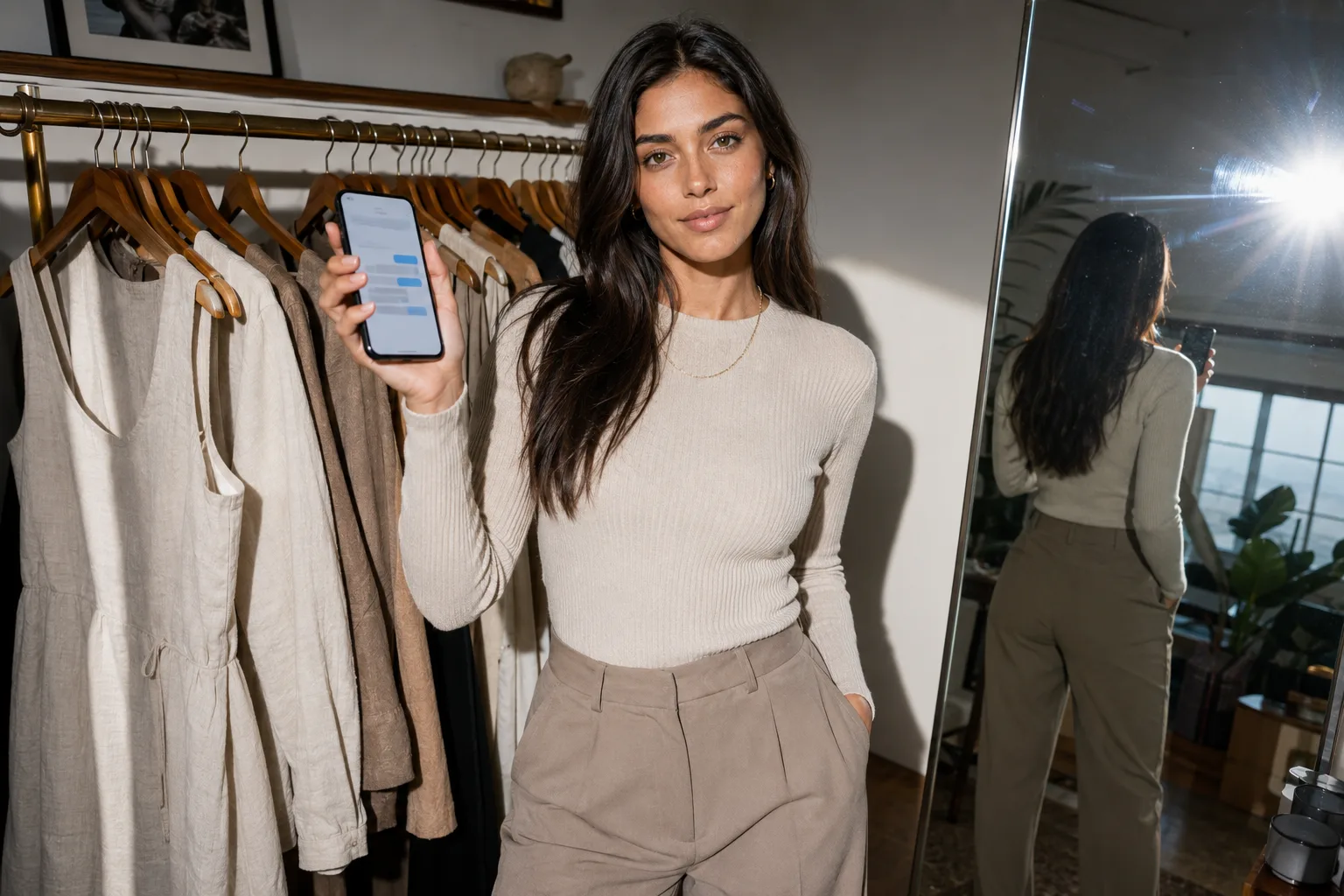
Run a personal storefront right in the chat.
Grounded answers and the product link inside the 24-hour window; outside it, only an approved template you configure — direct on Meta's WhatsApp Cloud API.
Learn more →A sample WhatsApp message answered from a demo catalog with the product link, inside the 24-hour service window. WhatsApp: Limited pilot. This sample shows the intended experience; no launch date is promised.

Facebook Page automation
Facebook Page DMs and comment-triggered private replies are built. Wider release is still being validated. Start on Instagram today, or get Messenger availability updates.
Explore Messenger automation →A sample Facebook Page message answered from a demo catalog, with a quick reply that sends the link. Messenger: Built — release validation. This sample uses demo data to show what is built; no launch date is promised.
See it in action.
Pick a flow to watch a sample conversation. Keyword replies and flows run without AI; the AI assistant is optional.
ILLUSTRATIVE EXAMPLE · SAMPLE DATA

GUIDE
Check your DMs ✦


Add AI answers when you’re ready.
Keep fixed replies for the links you always send. When a path must not vary, draw it on the canvas; on Growth and up, drop in an AI Step to hand one turn to the assistant. Turn on AI replies and it answers the DMs your automations don’t catch, from the business information you’ve reviewed.
Your instructions
“Answer sizing and shipping questions from our reviewed info. Keep replies short and friendly.”
Free to start — no card
Join the founding cohort of brands and creators.
We’re welcoming our first brands and creators. Share your workflow needs and help shape what comes next. Founding prices are locked for 12 months from your first invoice.
Read the founder’s story →
How HyperDM connects and checks
Official Instagram API
Connect eligible Instagram professional accounts through Meta’s official authorization flow.
Shopify catalog sync
Import your public catalog or connect Shopify with read permissions. Catalog answers reflect the last successful sync.
Messaging policy checks
Permission, messaging-window and rate checks before supported sends.
Your first reply in three steps
Start with one keyword reply. Add the AI assistant later, after you’ve reviewed your business information and tested its answers.
Step 1: Sign up free
Create your account — no card required, 50 conversations a month free.
Step 2: Write your first reply
Choose the comment keyword and the guide or offer link to send, then preview it. Nothing is sent from the preview.

Step 3: Connect, turn on, test
Connect your Instagram professional account, turn the reply on, and test it by commenting from a second account.

Priced on conversations, never contacts.
Start free with 50 conversations a month on Instagram. No card required. New automated conversations stop when you reach the Free allowance. Continue when your monthly allowance resets, or upgrade to a paid plan for more conversations.
Starter includes 500 total conversations, with 100 AI-assisted conversations, for US$19 a month when billed monthly.