Section 2: Your first automations
Story replies: answer people who reply to your story
When someone replies to one of your stories, the reply lands in your DMs. A story reply automation answers it with your DM and your link. It's the same builder as comment-to-DM with fewer settings: there's no post to pick and no public reply to write.
Screenshots show the real HyperDM app with a demo workspace. Names and numbers are examples.
How story replies work
A story reply is a private message from the start. They wrote to you first, so your link goes straight into the reply, with no tap-then-link step.
This trigger is different from a story mention, where someone tags you in their story (lesson 2.4). The two never fire each other's automations. If you want both, build one of each.
Set it up
- Go to Automations and click the Story reply → DM starter card, or New automation and choose Someone replies to a story.
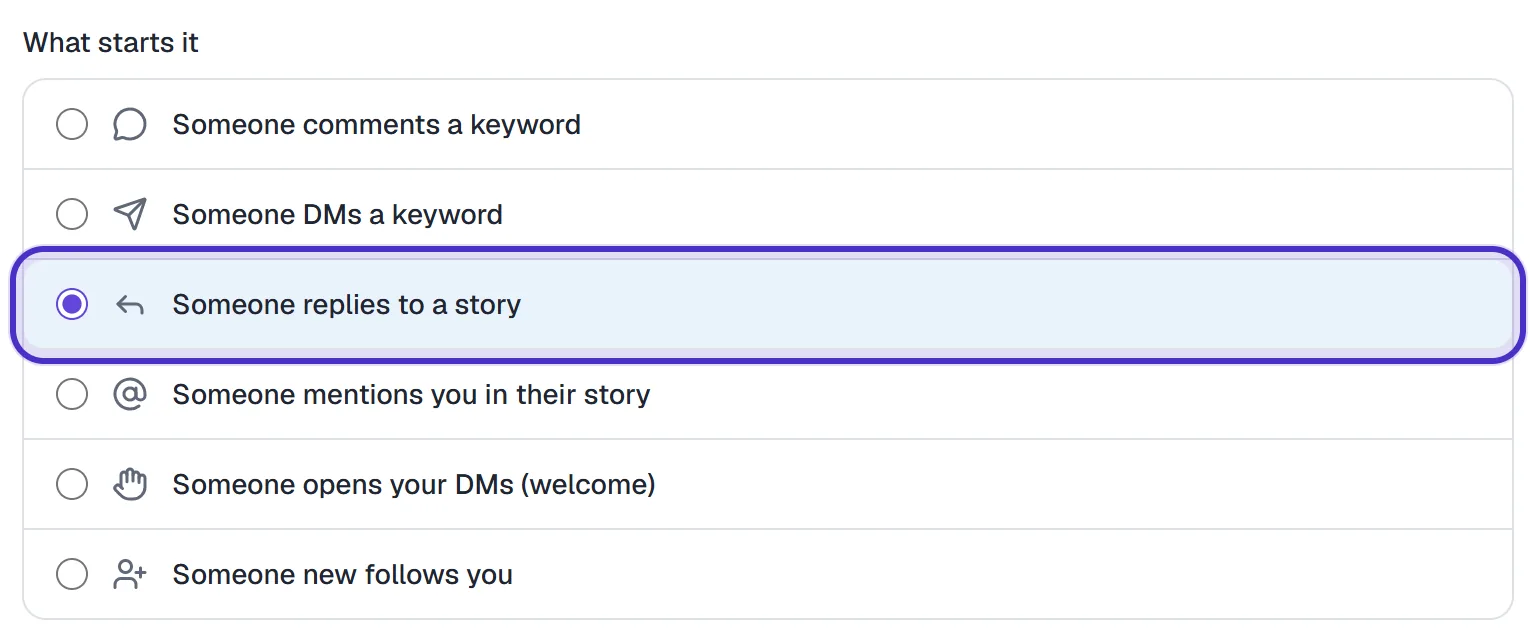
What starts it with Someone replies to a story chosen - Keywords are optional. Leave them blank to reply to every story reply, or add up to 5, e.g.
RESTOCK, to reply only to those. Case is ignored, and but doesn't contain works the way it does on comments.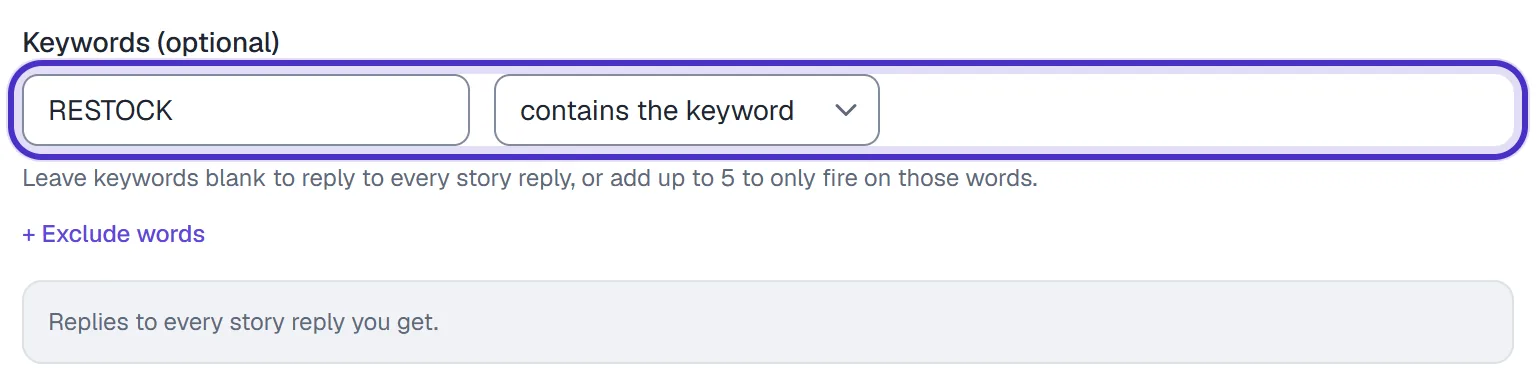
Keywords (optional) with RESTOCK, and the line saying it replies to every story reply - The automation listens on every story you post. Instagram stopped returning the list of active stories to apps connected the way HyperDM is, so there's no per-story picker. An automation you built earlier that's set to specific stories can't fire: open it and press Listen on every story.

An older story reply set to specific stories, with Listen on every story - Under Send this DM, write the reply and add up to 3 links, tracked by default.
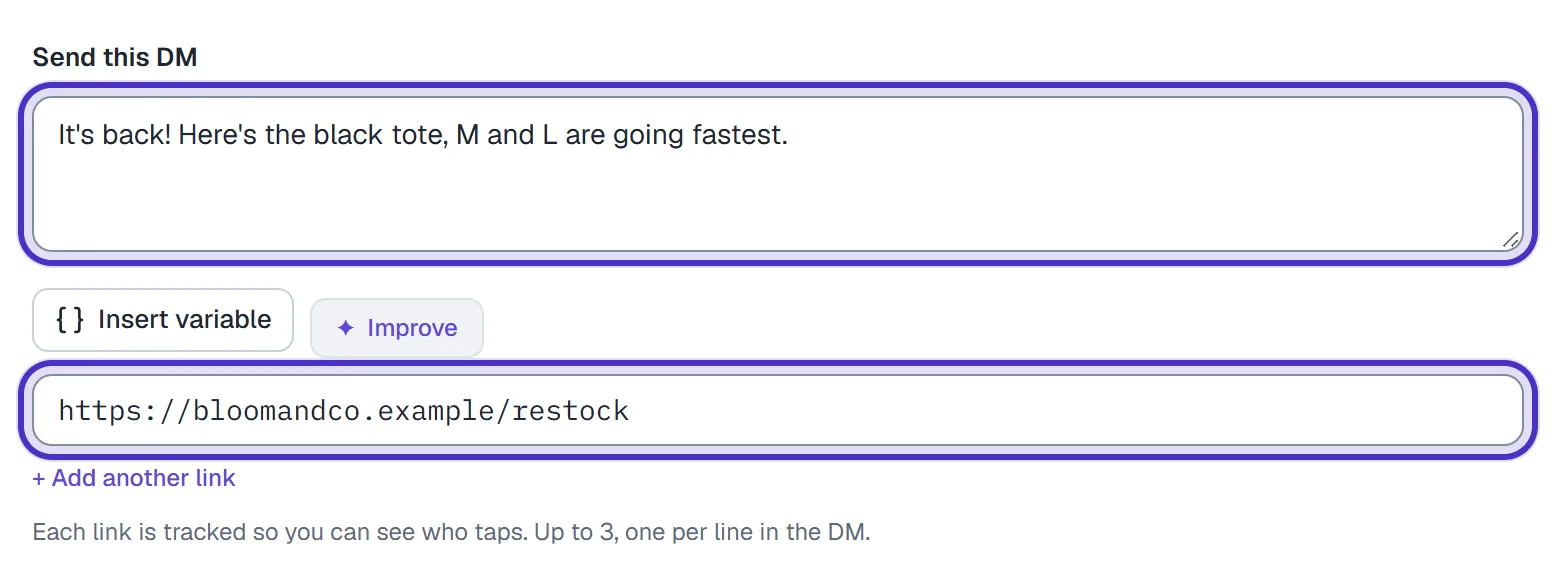
Send this DM with the reply and its link - Optionally switch on React to their story reply to put a heart on their reply before the DM. It's best effort and only works once Instagram reactions are enabled for your account, so don't plan a campaign around it. The DM goes out with or without it.

React to their story reply switched on - Name it and click Publish.

The story reply automation named, with Publish
When no story automation matches a reply, it moves on to your keyword DM automations, and to the AI agent if you've switched that on. A story reply that says PRICE still reaches your PRICE keyword reply.
Good uses
| On the story | Keyword | Your DM sends |
|---|---|---|
| "The black tote is back. Reply RESTOCK for the link." | RESTOCK | The product page |
| A clip from your new video | LINK | The full video |
| Behind the scenes of a shoot | BTS | The longer cut or a free download |
| "What should I bake next? Reply and tell me." | None | A thank-you and your free recipe guide |
Put the instruction on the story itself. People reply with a keyword only when the story tells them which one.
A keyword keeps the automation to the people asking for the thing. With no keyword, every reply gets your DM, "love this" included, so write a DM that reads well after any reply.
Test it and what to expect
From a different Instagram account, reply to one of your active stories: any reply if you set no keyword, otherwise one that contains it. The DM lands in that account's inbox and in your Inbox in HyperDM. There is no simulated send. HyperDM replies only to a real story reply that reaches it from Instagram.
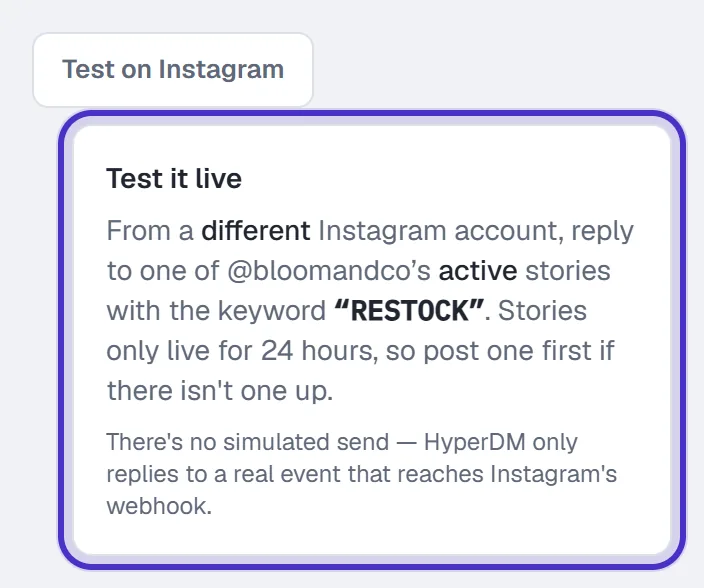
If nothing arrives, check three things: the automation is Live, the story is still up, and the reply contains your keyword if you set one.
Each matching reply runs the automation, so someone who replies to three of your stories can get your DM three times. And there's no "next story" option. A story disappears after 24 hours, so an automation armed for one would be waiting on something that expires before you notice.
FAQ
Do I need a keyword for a story reply automation?
No. Leave the keywords blank and every reply to your stories gets your DM. Add up to five keywords to answer only the replies that contain one.
Can I choose which stories it listens on?
Not right now. It covers every story you post, because Instagram stopped returning the list of active stories to apps connected the way HyperDM is.
Will the heart reaction always appear?
No. It is best effort and only works once Instagram reactions are enabled for your account. Your DM goes out either way.
What's the difference between a story reply and a story mention?
A story reply is someone answering your story. A story mention is someone tagging you in their own story. Each has its own trigger, and they never fire each other.
Is there a next story option?
No. A story expires after 24 hours, so an automation armed for the next one would target something gone within a day.