Section 2: Your first automations
Story mentions: thank people who tag you
When someone tags your account in their own story, Instagram sends you the mention as a DM. A story mention automation answers it with a thank-you message, and a link or a discount code if you want one. There's almost nothing to set up, because a mention carries no text to match.
Screenshots show the real HyperDM app with a demo workspace. Names and numbers are examples.
Story mention or story reply?
| Story mention | Story reply | |
|---|---|---|
| What happens | Someone tags your account in their story | Someone replies to your story |
| Keywords | None, because a mention carries no text | Optional |
| Trigger in the builder | Someone mentions you in their story | Someone replies to a story |
The two never fire each other's automations. To answer both, build one of each (lesson 2.3 covers replies).
Story mentions work today, with no beta and no keyword. If you once saw a "Waiting on Instagram access" notice on the story-mention form, it belonged to the new-follower trigger. Set the automation live and it will run.
Set it up
- In Automations, click the Story mention → DM starter card, or New automation and choose Someone mentions you in their story.
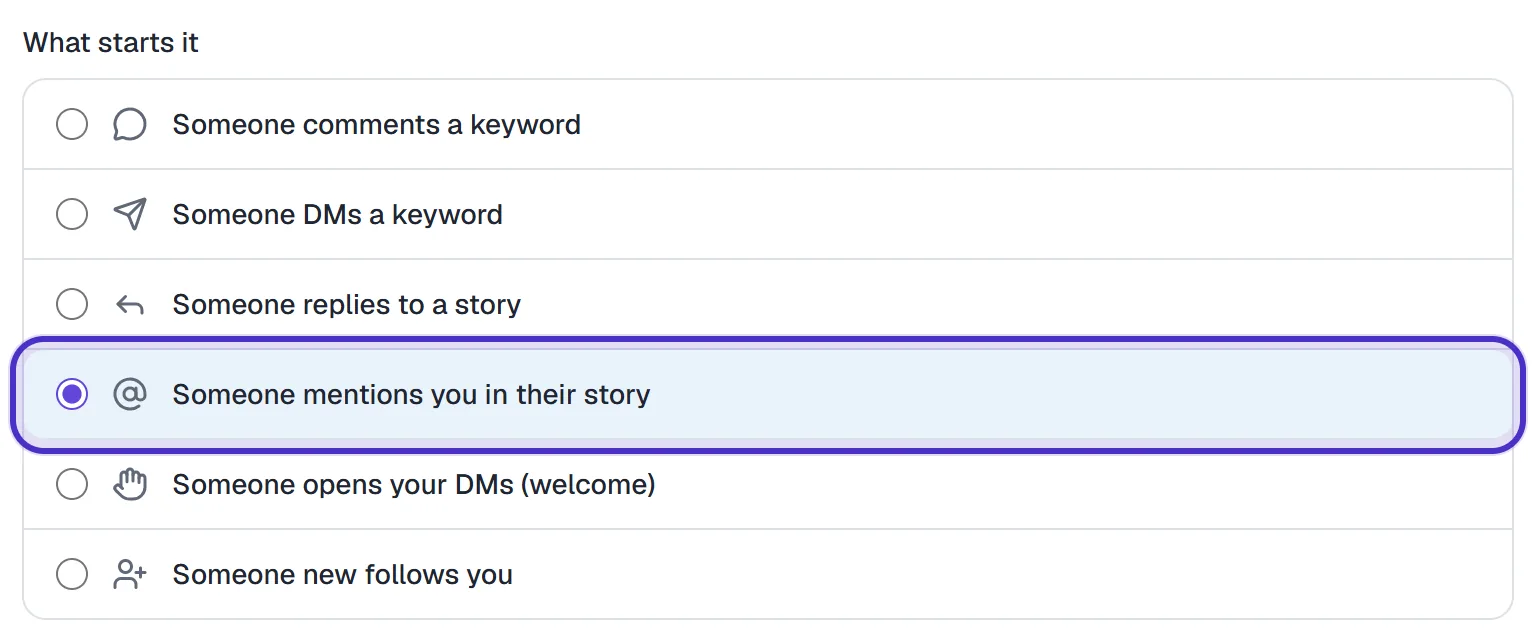
What starts it with Someone mentions you in their story chosen - The Trigger section has nothing to fill in, only a note that every mention gets the same reply. A story-mention automation saved with keywords is refused, because a keyword could never match.

The Trigger section's note that every mention gets the same reply - Under Send this DM, write the thank-you. Use Insert variable for their first name, and add a link if you want one (up to 3, tracked by default).
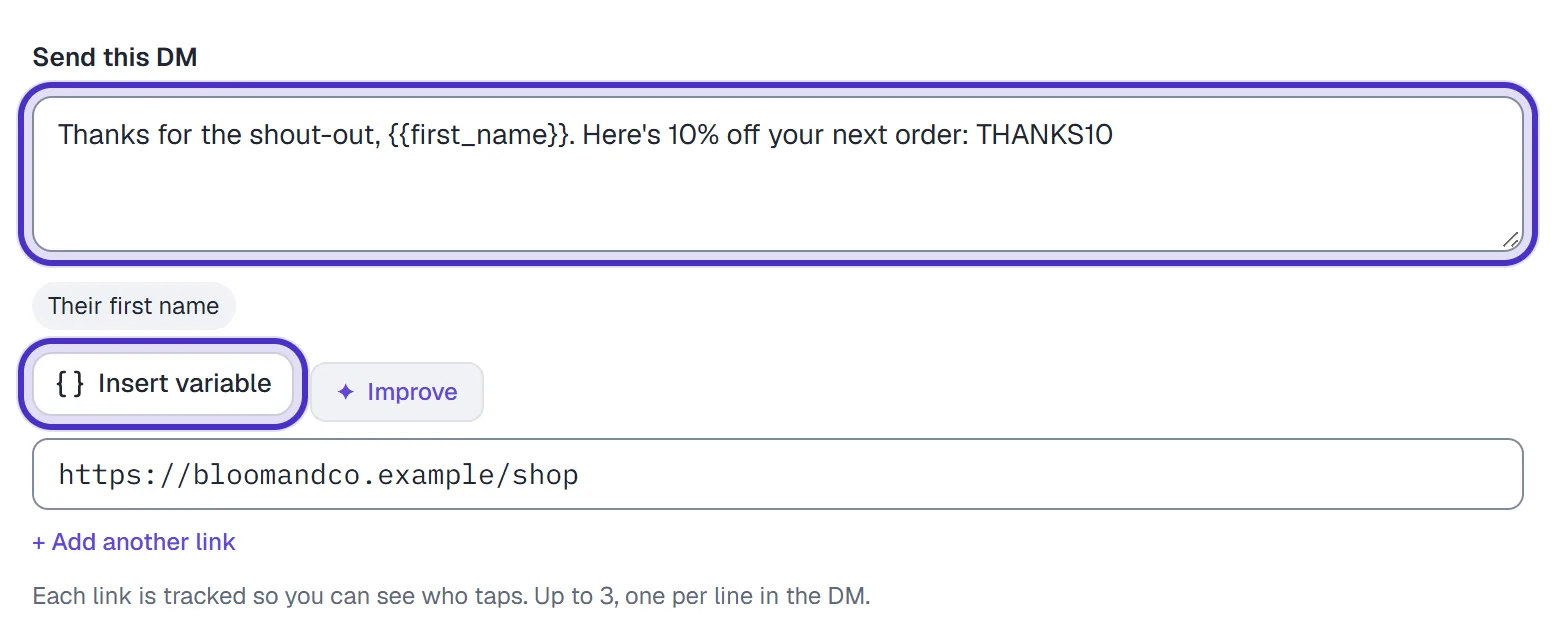
The thank-you DM with a first name and a code, Insert variable and the link - Optionally switch on Capture their email under Follow-up.
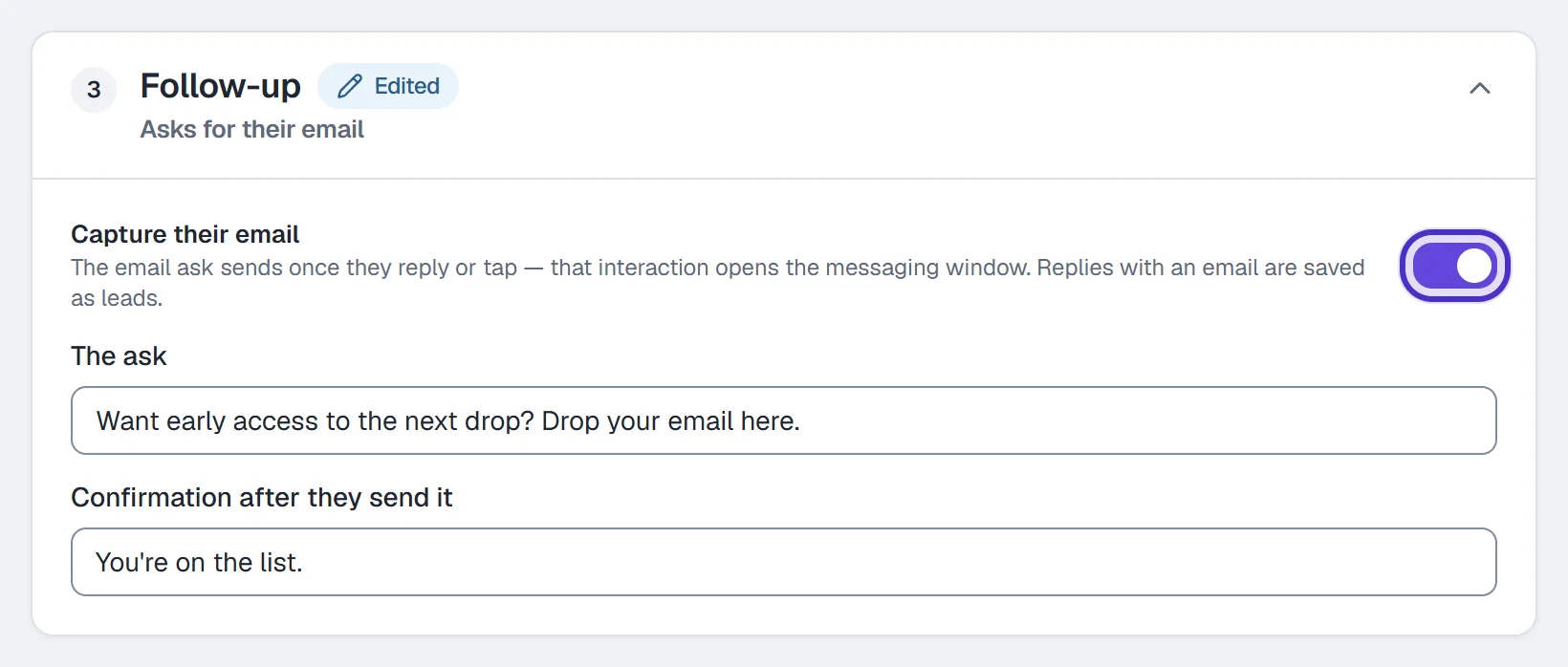
Follow-up with Capture their email switched on - Name it and click Publish.

The story mention automation named, with Publish
What to send
Every mention gets the same DM, so write one that fits any tag. Some that work:
- A customer posts your product. Thank them and type a code into the DM:
Thanks for the shout-out, {{first_name}}. Here's 10% off your next order: THANKS10. - A student shares your class. Thank them and add the link to book the next session.
- Someone tags you at your event. Send the link to the photos or a two-question feedback form.
HyperDM sends the code exactly as you typed it. It doesn't create codes or check them, so set the code up in your shop first and make sure it works for repeat use.
Test it
From a different Instagram account, post a story and tag your account, either with the @ sticker or an @mention in the text. It has to be your exact handle. Instagram delivers the mention to you as a DM, the automation replies, and the conversation appears in your Inbox.
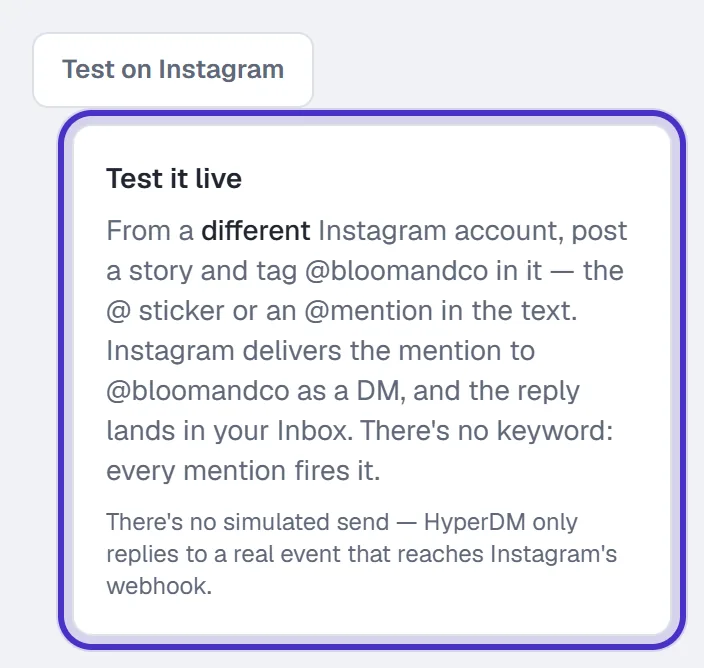
Each mention gets one reply. Someone who tags you in three stories gets three DMs, which matters when the DM carries a discount.
If you also built a story-mention flow, a live story-mention automation answers first and the flow doesn't run. Pause the automation if you want the flow to take over.
FAQ
Can I filter story mentions by keyword?
No. A mention reaches you without any message text, so there is nothing to match. Every mention gets the same reply.
Does a tag in the story text count, or only the mention sticker?
Both. The @ sticker and an @mention in the story text each reach you as a mention, as long as they use your exact handle.
Can the thank-you DM include a discount code?
Yes. Type the code into the DM text. HyperDM sends it as written and does not create or check codes, so set it up in your shop first.
How do I test a story mention automation?
From a second Instagram account, post a story that tags your account, then check that account's DMs and your Inbox in HyperDM.