Section 2: Your first automations
Welcome prompts: questions people tap to start a chat
When someone opens a DM thread with you for the first time, Instagram can show a few tappable questions above the message box. HyperDM calls the automation Conversation starters, and the form calls its trigger Someone opens your DMs (welcome). Tapping a question sends the DM you saved.
Screenshots show the real HyperDM app with a demo workspace. Names and numbers are examples.
How welcome prompts work
Welcome prompts are Instagram's own feature, and HyperDM fills them in. Three rules shape how you build them:
- They appear only the first time a thread is opened. Someone you've already talked to won't see them.
- Instagram allows 4 prompts of 80 characters each, shared across all your conversation-starter automations. A second automation's prompts count against the same four.
- Tapping any prompt in an automation sends that automation's one DM. To give different questions different answers, build separate automations with one prompt each.
Set it up
- Go to Automations and click the Conversation starters starter card, or New automation and choose Someone opens your DMs (welcome).
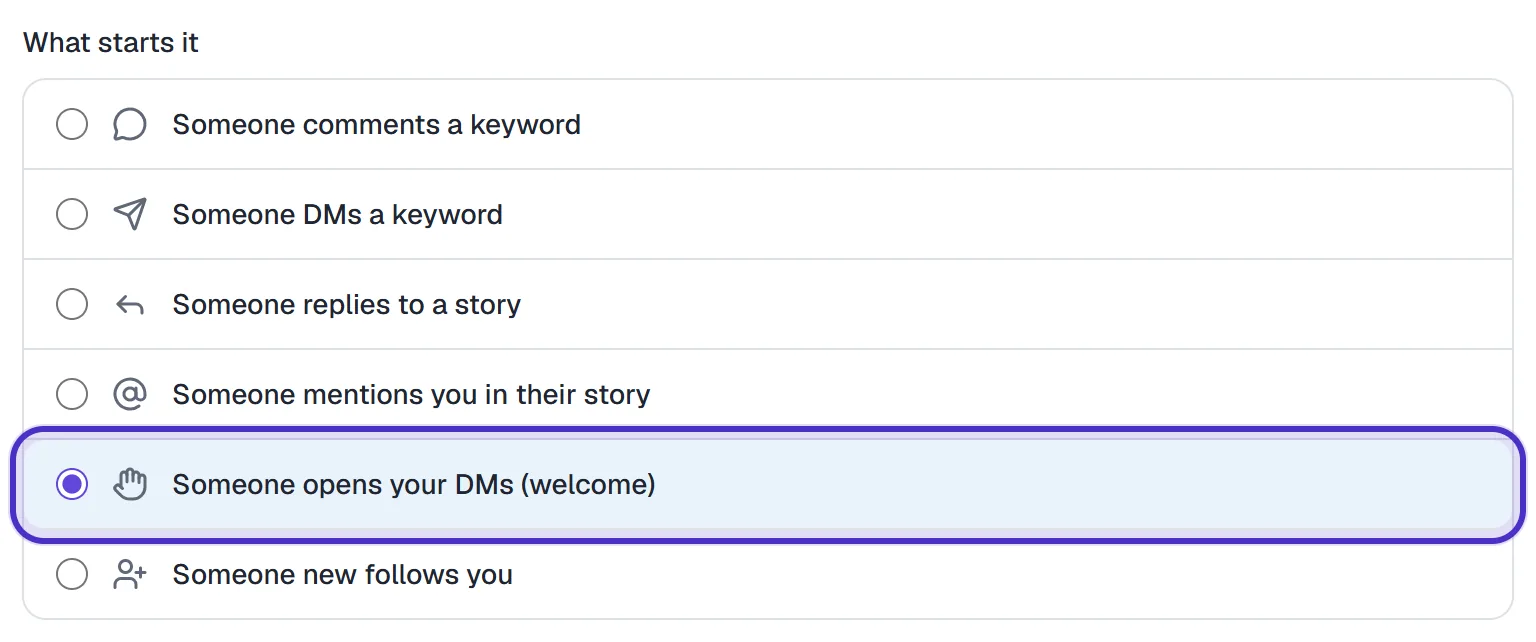
What starts it with Someone opens your DMs (welcome) chosen - Type the first prompt, e.g.
What sizes do you carry?. Click + Add another prompt for more, up to four in total.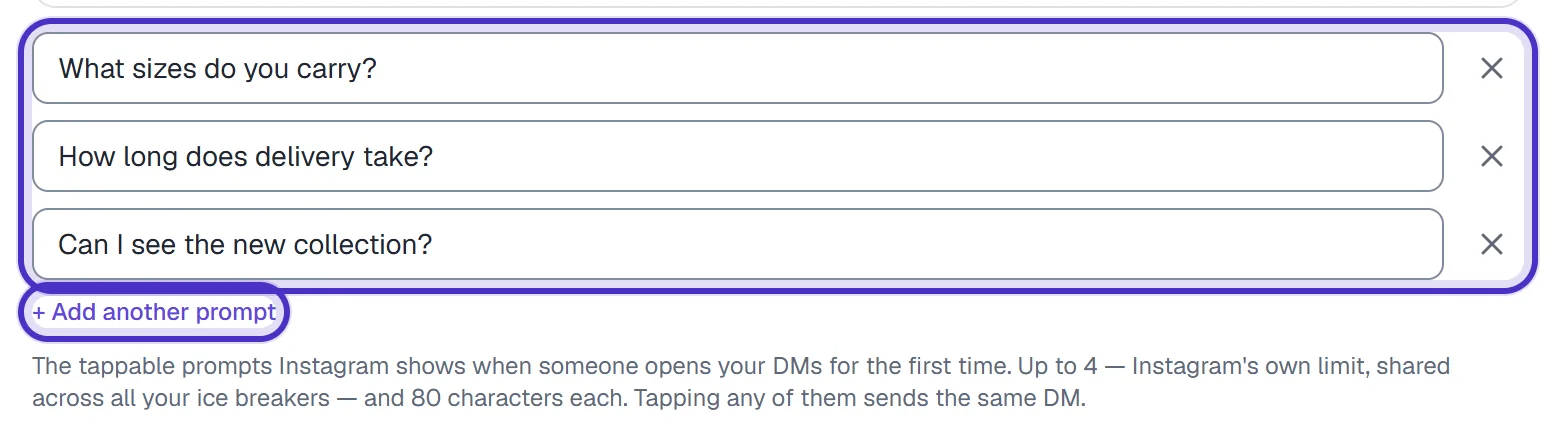
Three welcome prompts with Add another prompt - Under Send this DM, write the answer.
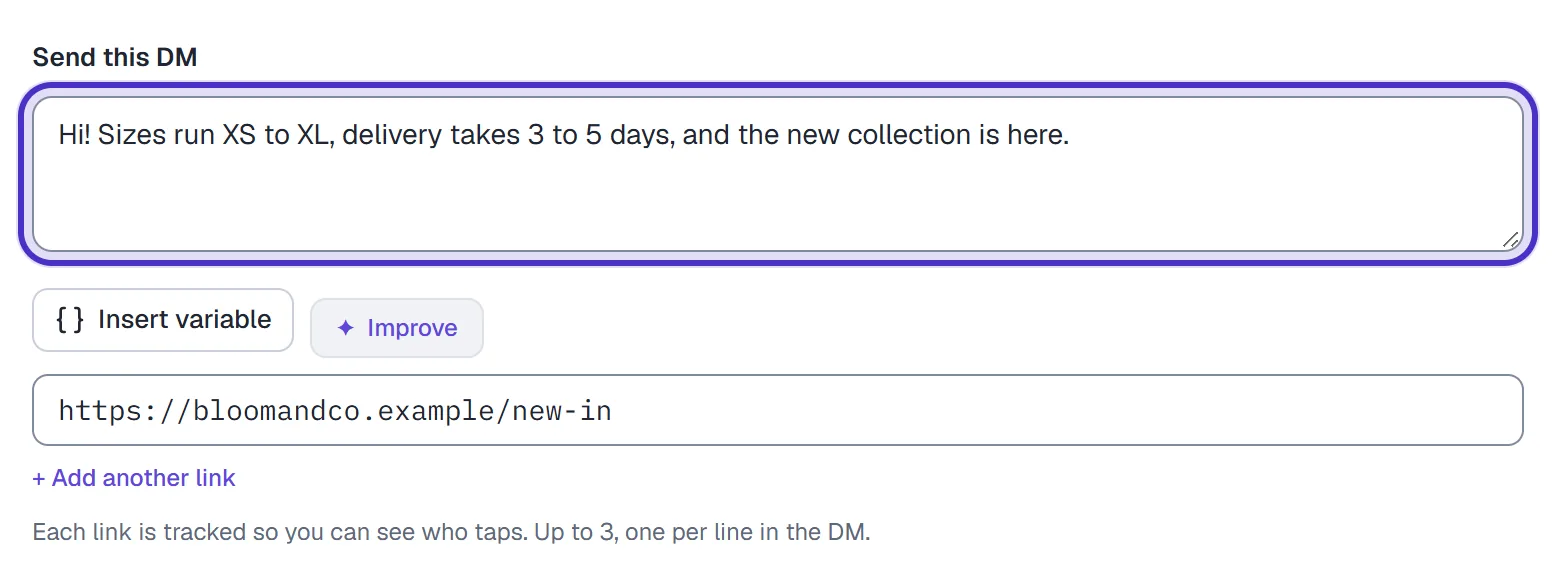
Send this DM with the answer every prompt sends - Name it and click Publish. Publishing pushes the prompts to Instagram.

The welcome prompts automation named, with Publish
Plan your four
Because the four slots are shared, decide them together. A small shop might use one automation per prompt:
| Prompt | Its DM |
|---|---|
| What sizes do you carry? | The size guide link |
| How long does delivery take? | Delivery times and the shipping policy link |
| Can I see the new collection? | The collection page |
| Can I book a fitting? | The booking link |
Write each one the way a customer would ask it, short and plain. Tap counts are tracked per prompt and survive editing, so a prompt nobody taps is easy to spot and replace.
When Instagram says no
Instagram is told about your prompts whenever you save, set live, pause, delete or restore a conversation-starter automation, and it can refuse. When it does, HyperDM says so on that action, naming which prompts it took and which it didn't, instead of showing a green badge over prompts that never arrived. Reword the refused one, shorter and plainer, and save again.
If Instagram refuses to remove prompts when you pause or delete, they may still show in your DM opener and do nothing when tapped. Re-save the automation to push the set again. If Settings → Channels shows Profile drift, click Re-sync to push your prompts back.
Test it
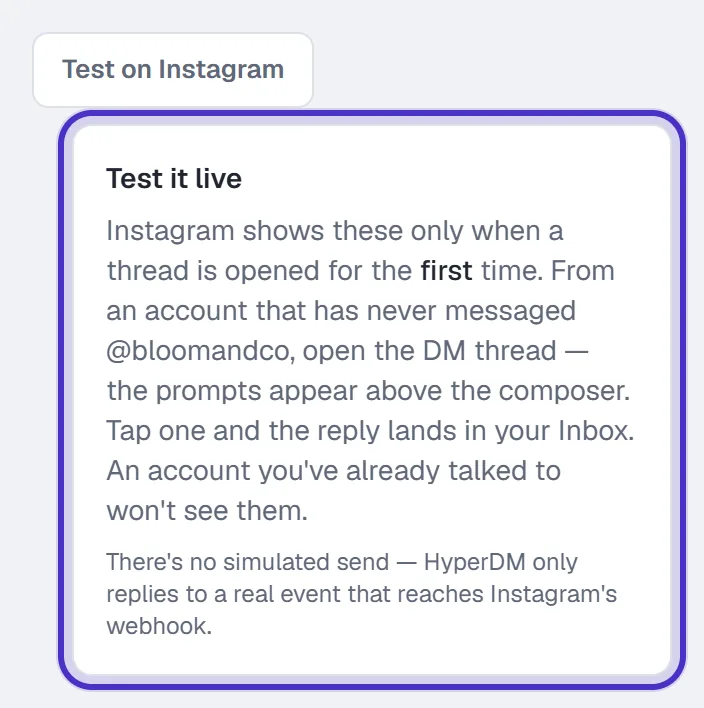
Open a DM thread with your account from an Instagram account that has never messaged you. The prompts appear before the first message. Tap one, and the DM lands in that account's inbox and in your Inbox in HyperDM.
The menu that shows in every thread, not only the first time, is a different feature: the main menu.
FAQ
Why can't I see my welcome prompts?
They only appear the first time a thread is opened. Test from an Instagram account that has never messaged you.
Can I add a fifth prompt?
No. Instagram allows four prompts across all your conversation-starter automations. Retire one to add another.
Can each prompt get its own answer?
Yes. Build one conversation-starter automation per prompt. Every prompt inside one automation sends that automation's single DM.
What should I do when Instagram refuses a prompt?
HyperDM tells you which prompts Instagram took and which it did not. Reword the refused one, shorter and plainer, and save again.