Section 2: Your first automations
The main menu: links inside every DM thread
The main menu is the tappable list Instagram shows inside every DM thread with your account. Each item opens a link, starts one of your flows or runs one of your automations. You build it once in Settings, and saving pushes it to Instagram.
Screenshots show the real HyperDM app with a demo workspace. Names and numbers are examples.
Main menu or welcome prompts?
Both put tappable options in your DMs. They differ in when they show and what a tap does.
| Welcome prompts | Main menu | |
|---|---|---|
| Where it shows | Above the message box, the first time a thread is opened | Inside every thread, every time |
| How many | 4 prompts, shared across your automations | Up to 3 items on Free, 20 on any paid plan |
| Label length | 80 characters | 30 characters |
| A tap | Sends that automation's DM | Opens a link, starts a flow or runs an automation |
| Where you build it | Automations, the Conversation starters card | Settings → Main menu |
| Who can edit it | Owners, admins and agents | Owners and admins |
Use welcome prompts for the questions new people ask before they've said anything (lesson 2.6). Use the menu for the things anyone might want at any point in a conversation.
Build the menu
- Go to Settings → Main menu. Instagram has to be connected; without a connection there's nowhere to push.
- Click Add item.
- Give it a Label, e.g.
Shop now. Labels are 30 characters at most, and the field counts them. - Choose what it Opens: Link (paste a URL), Flow (one of your live flows) or Automation (one of your live automations).
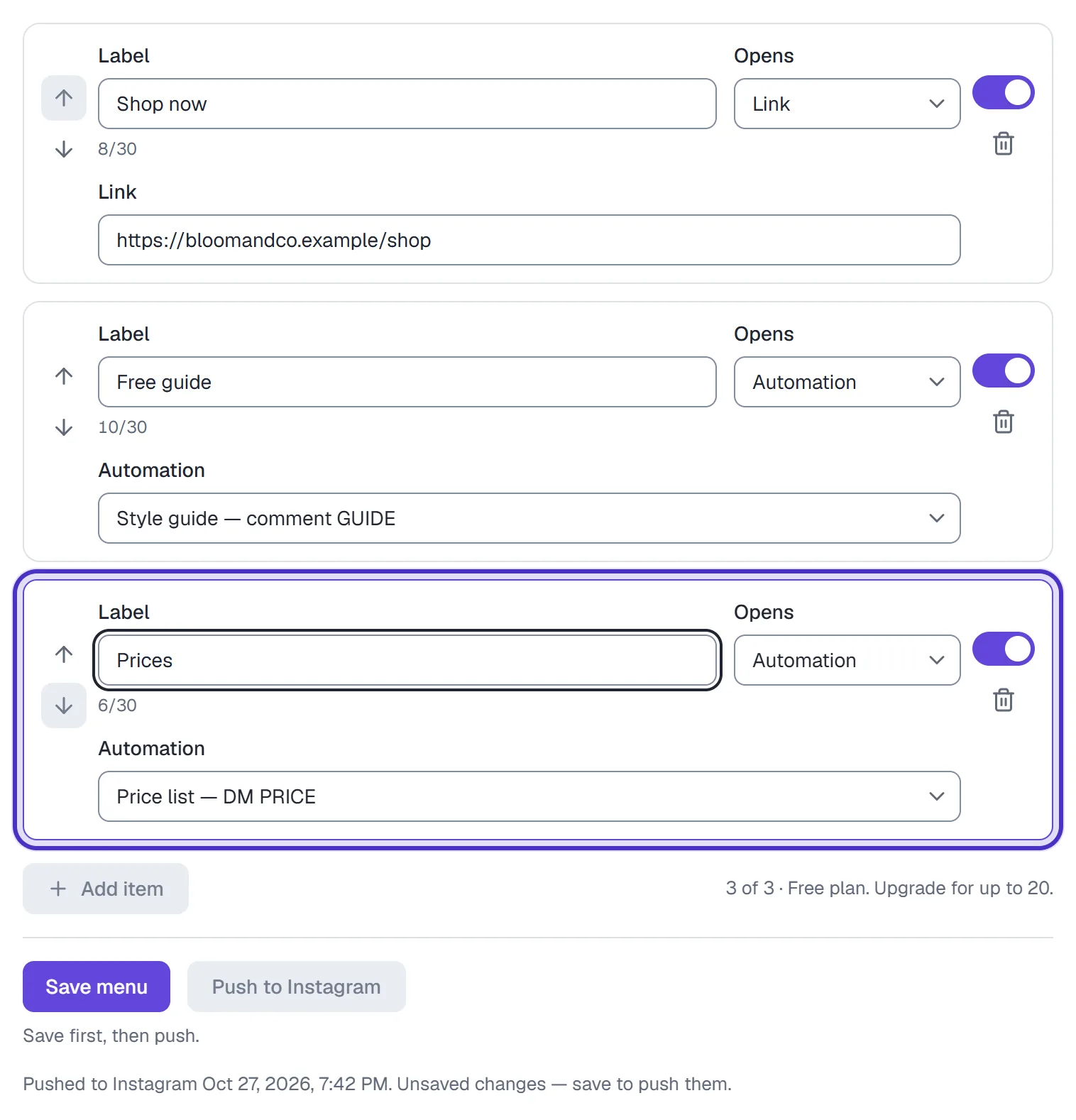
A third item, Prices, opening the price list automation, and 3 of 3 on Free - Add the rest the same way. Reorder with each item's up and down arrows, switch one off with its Show switch, or remove it with the bin.
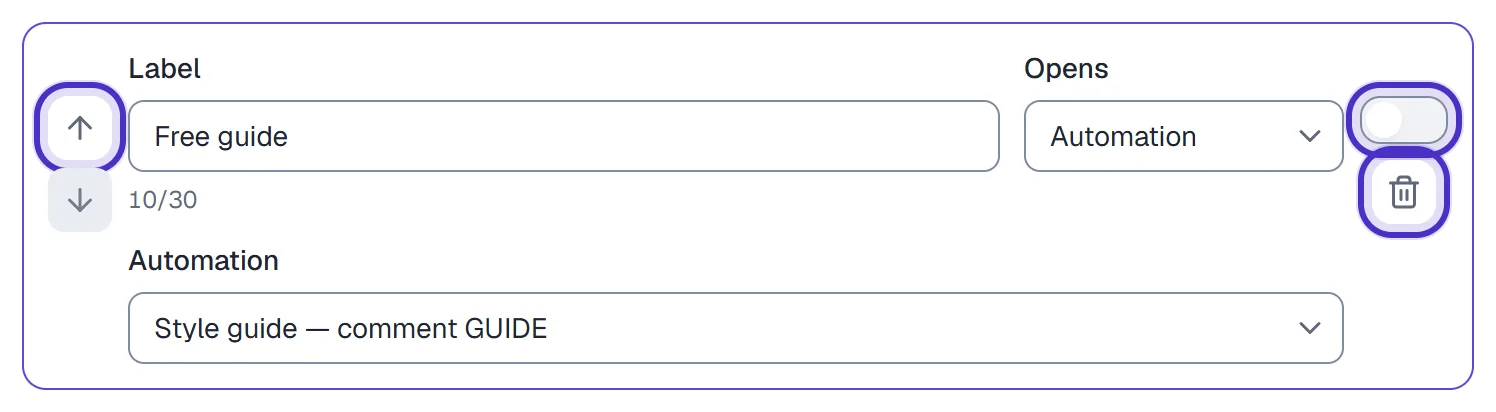
A menu item's up arrow, its Show switch turned off, and the bin - Check the preview beside the editor. It shows the menu a customer sees, your handle and each switched-on item, and it sends nothing.
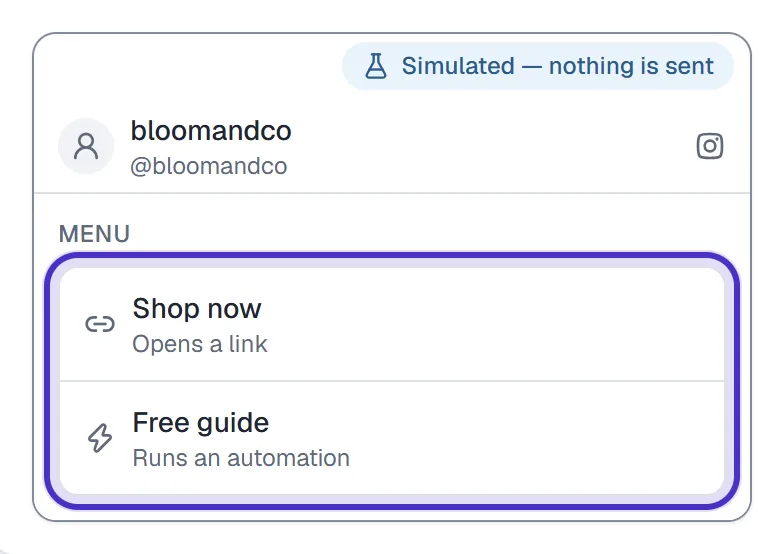
The menu preview with the handle and each switched-on item - Click Save menu. Saving also pushes the menu to Instagram, and the card shows Pushed to Instagram with the time, or the push error. The chip in the card's header reads Live on Instagram once it lands.
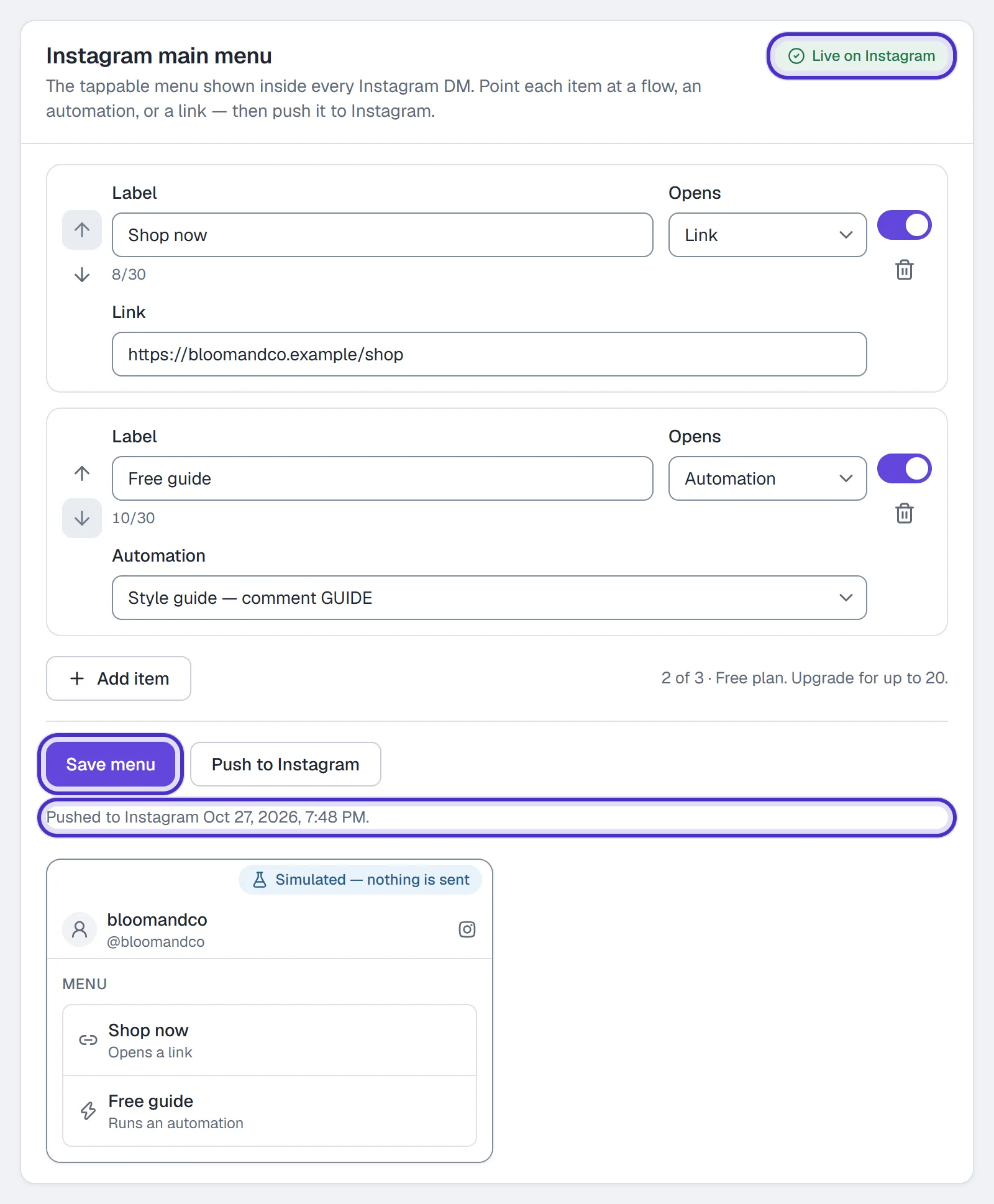
The main menu saved and pushed, Live on Instagram in the header
What to put in it
On Free you have three items, so give them to the three things people ask for most. Some that work:
Shop now, a link to your store or the current collection.Book a call, a link to your booking page.Free guide, an automation that sends your lead magnet.Track my order, a link to your order tracking page.Prices, an automation that sends your price list.
Keep labels short enough to read on a phone. A long one is cut off the way the phone cuts it, and the preview shows you where.
When the push fails
Read the error on the card. Most often it's a label over the limit or a target that no longer exists, such as a flow you deleted. Fix the item, click Save menu, then Push to Instagram. Push to Instagram re-sends the saved menu; while you have unsaved changes it waits and says Save first, then push.
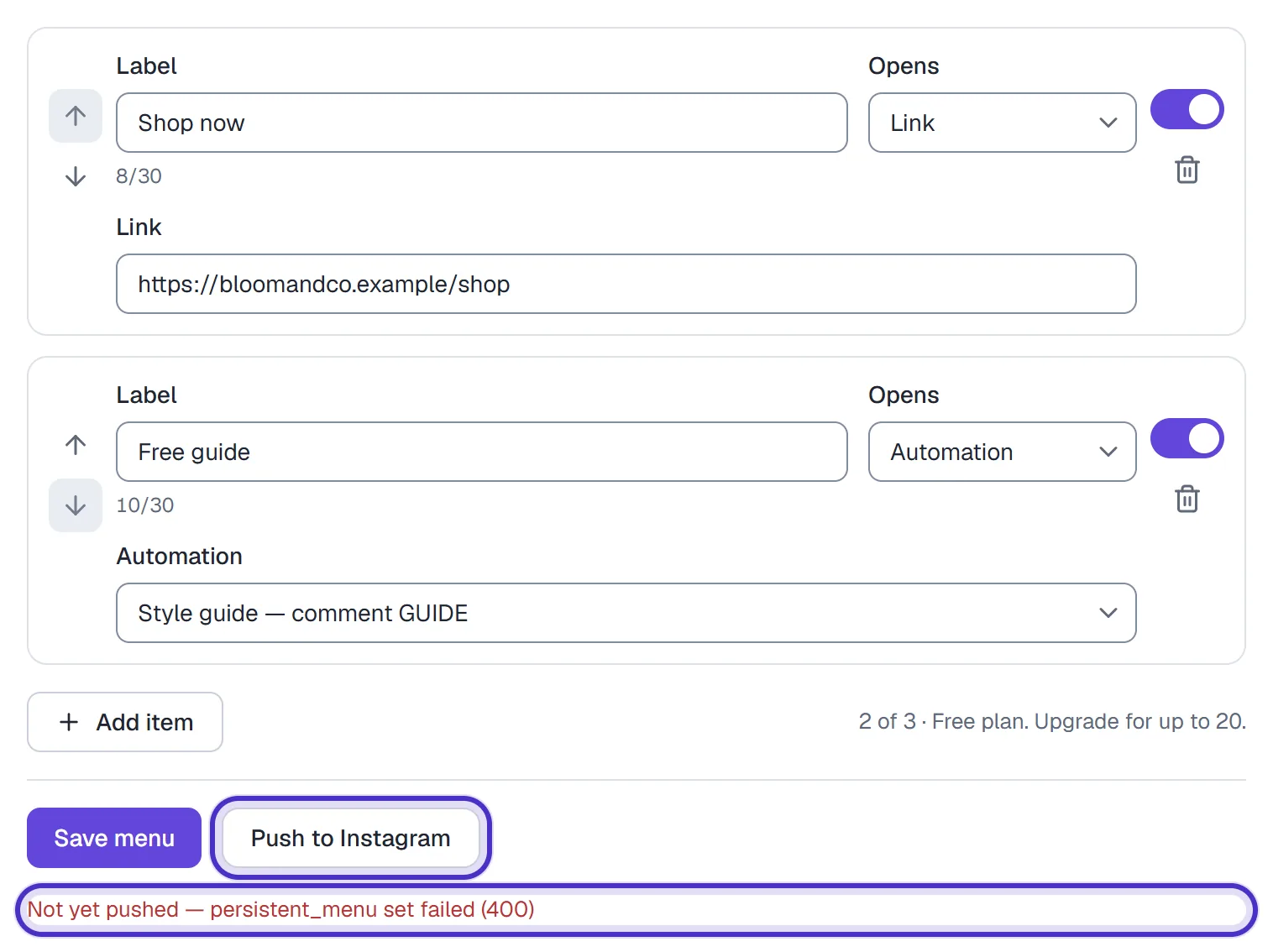
If Settings → Channels says Profile drift, Instagram may have changed how your menu appears. Click Re-sync to push yours back.
Test it
Open a DM thread with your account from a different Instagram account. The menu shows in the thread. Tap each item and check that the link opens, or that the flow or automation's first message arrives in that account's inbox.
FAQ
How many items can the main menu have?
Up to 3 on the Free plan and 20 on any paid plan. The counter on the card shows how many you have used.
How long can a menu label be?
30 characters. The field counts them as you type.
Who can edit the main menu?
Owners and admins. The controls need permission to manage connections.
What's the difference between the main menu and welcome prompts?
Welcome prompts show only the first time someone opens a thread and each sends a saved DM. The main menu shows in every thread and can open a link, start a flow or run an automation.