Key takeaways
- To sell on Instagram Live, announce it in advance, show a small number of products with prices said out loud, and give viewers one word to DM you for the link.
- Instagram removed product tagging from Lives in 2023, so the order happens in DMs or on your shop’s checkout, not inside the Live.
- Plenty of people only see the Live afterwards, so share the replay with the same DM keyword, and cut the best moments into Reels with a comment keyword.
- Meta only allows private replies to Live comments while the broadcast is running, so plan to follow up through DMs and the replay instead.
In this article
To sell on Instagram Live, announce the Live a day or two ahead, show a handful of products with the price said out loud, and give viewers one word to message you (“DM me DROP for the link”) so the order happens in your DMs or on your shop’s checkout. Instagram removed product tagging from Lives in 2023, so the sale no longer happens inside the broadcast. The other half of the job is after it ends: plenty of people only see it afterwards, so share the replay with the same keyword and cut the best moments into Reels that carry a comment keyword. This guide covers what to do before, during and after, and the Meta rules that shape each step.
It’s part of our complete guide to Instagram DM automation, which covers every way a DM can start.
What changed: no more Live Shopping
Instagram used to let you tag products from your shop during a Live, so viewers could tap through to buy. It removed that in March 2023. You can still go live and talk about products; there’s just no built-in way to check out from the broadcast. That moves the sale to two places you control: your DMs and your own checkout page.
Before the Live
- 1Pick three to five products. More than that and the Live turns into a catalogue nobody remembers.
- 2Decide the offer and the deadline: a Live-only price, a bundle, free shipping until midnight. Write it down so you say it the same way each time.
- 3Choose one DM keyword, such as DROP or LIVE, and set up a DM keyword automation that answers it with the product links and the offer.
- 4Announce it in your stories a day ahead and on the day, with a reminder sticker. Ask people to reply to the story with the product they’re most interested in.
A story reply is a message, so it opens the 24-hour messaging window. If you answer story replies with an automation (“Thanks! I’ll show the lavender set first”), you also learn what people want before you go live.
During the Live
- Say the keyword early and often. “DM me DROP and I’ll send you the links” every few minutes, because people join late.
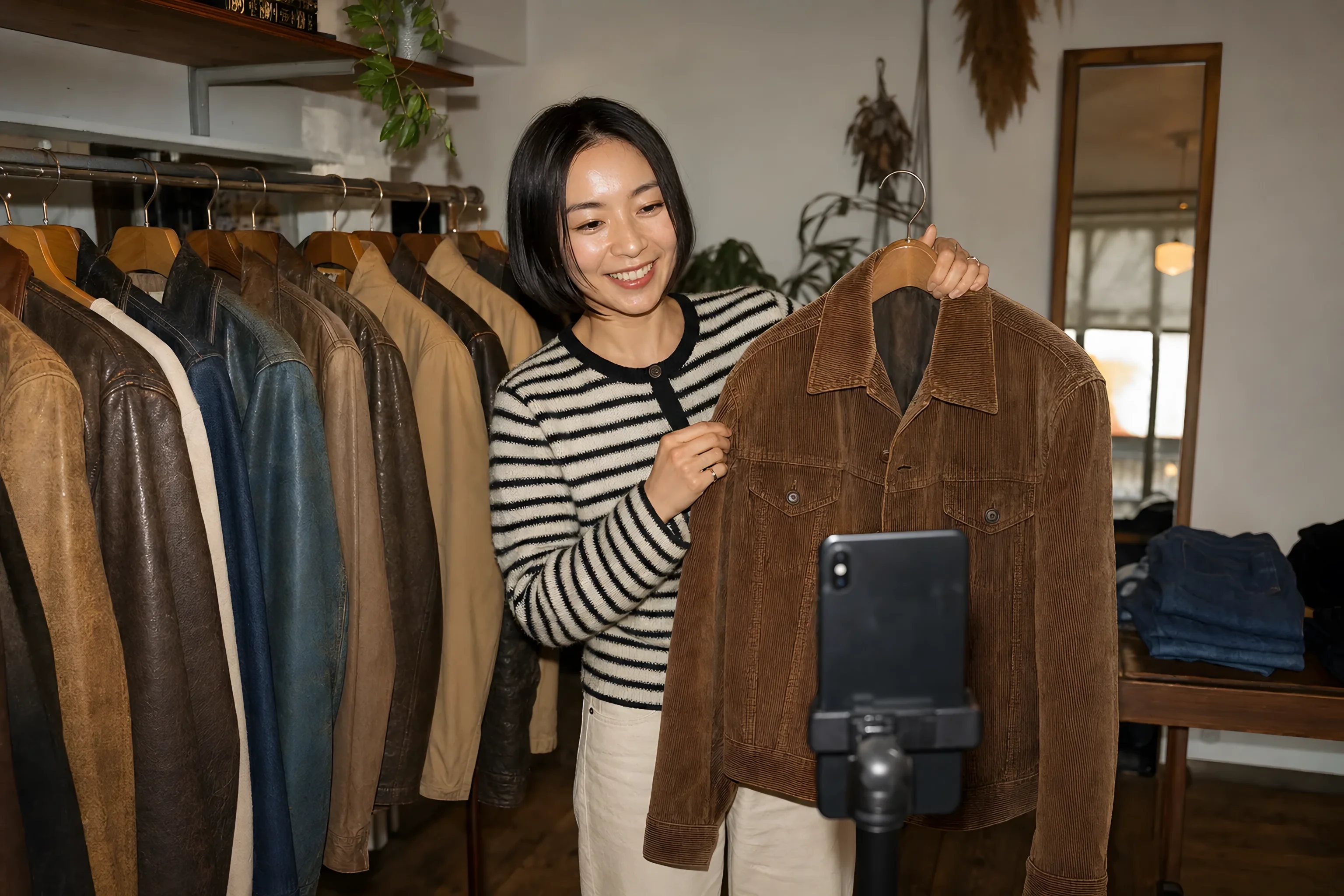
- Say prices out loud and show each product close to the camera. Hold up the product as you name the price.
- Pin a comment with the keyword so late joiners see it.
- Have someone watching the DMs if you can. The automation sends the links; a person handles “does it come in blue?”.
Last checked against Meta’s documentation on 19 November 2026 (Instagram private replies).
After the Live: where most of the sales are
The broadcast is a fraction of the audience. The replay, the follow-ups and the people who messaged during the Live are where the rest of the sales come from.
Share the replay
When the Live ends, share the replay to your profile, with a caption listing the products, the prices, the offer’s deadline and the keyword: “DM me DROP for the links”. The DM keyword automation you set up for the Live keeps answering, so replay viewers get the same links. A replay is a recording of a Live rather than an ordinary post, so if you also want a comment keyword on it, test it from a second account before you rely on it; the Reels below are the dependable home for comment keywords.
Follow up with people who messaged you
Anyone who DMed your keyword during the Live opened a 24-hour window. Inside it, one reminder before the offer ends is fair (“Live price ends at midnight, here’s the link again”). After 24 hours of silence, automated messages aren’t allowed until they write back.
Turn the Live into posts
Cut the best minute of each product into a Reel with a comment keyword: “Comment DROP for the link”. A comment-to-DM automation on each Reel sends the link to people who comment the word, under the usual rule of one private reply per comment, within seven days of the comment. Each Reel is another chance to reach someone who didn’t watch the Live.
Taking the order
Without Live Shopping, there are three ways to take the money:
- A link to the product on your shop, sent in the DM. Simplest, and your shop handles stock and payment.
- A link to a checkout page with the Live offer applied, if your shop supports discount links.
- An order taken by hand in the DM, for one-off items (vintage, art, made-to-order) where you confirm and send a payment link.
Send links as buttons where your tool supports it: on Android in particular, a link typed into a message isn’t always tappable. See why followers can’t open links in DMs.
What it costs to automate
With HyperDM, every person your automation DMs opens a conversation, whether or not they buy, so a busy Live and replay use more of your allowance. The free plan covers 50 conversations a month. HyperDM doesn’t answer Live comments; the DM keyword, story-reply and Reel comment steps in this post are the parts it automates.
Frequently asked questions
 HyperDM
Run the automations. Add AI when you’re ready.
Comment-to-DM, keyword replies and follow gates — set them up, test them, then add optional AI answers from your real catalog. Free on one DM channel, 50 conversations a month, no card.